Napkin

Verified
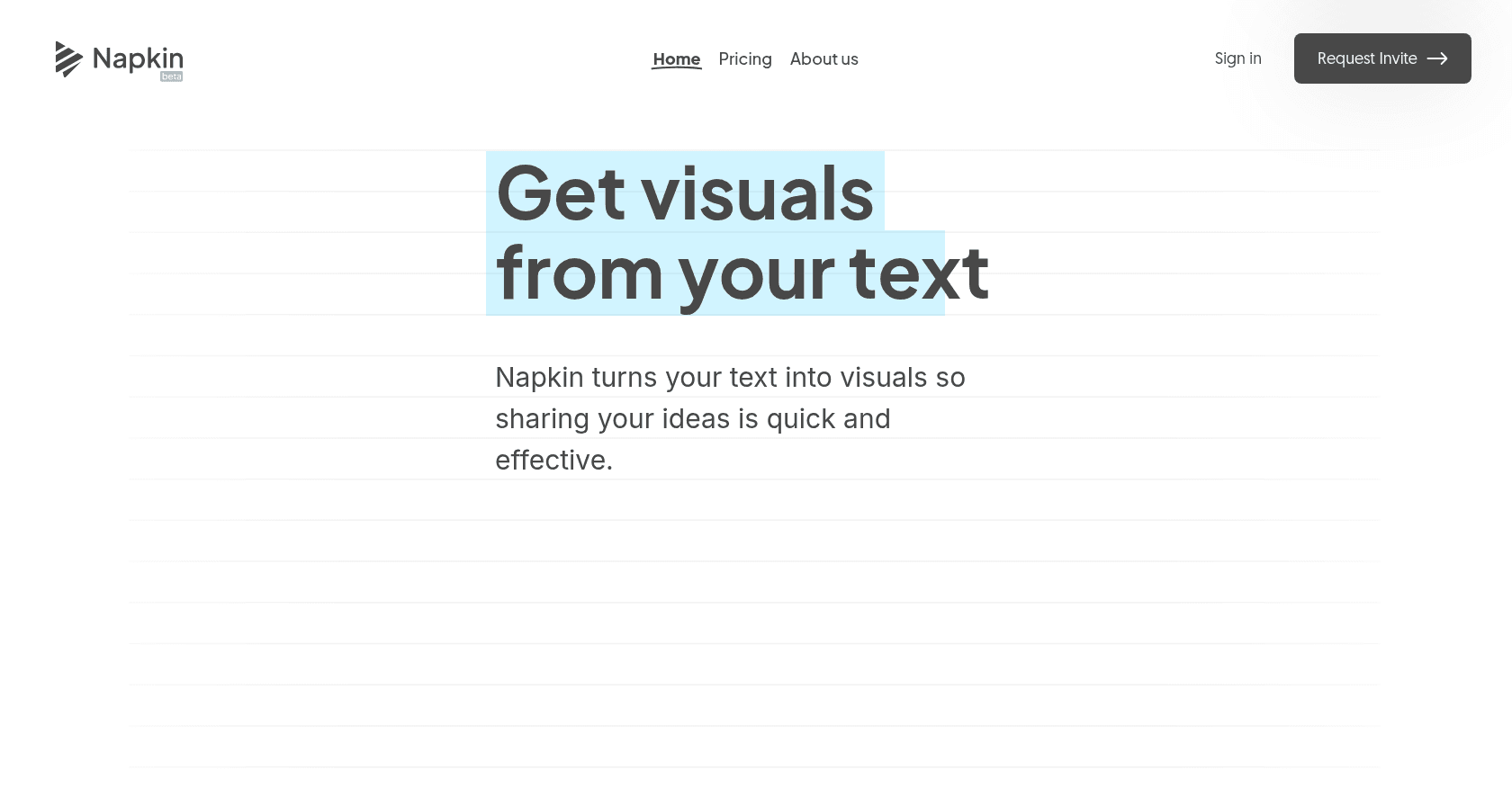
Screenshot of Napkin

About

Napkin is an AI-powered tool that transforms text into engaging visuals like diagrams, flowcharts, and infographics, simplifying visual storytelling for professionals across various fields.

Key features

  • Text-to-visual conversion without the need for prompts
  • Auto Spark feature for generating multiple visual formats
  • Customization options including colors, fonts, icons, and layouts
  • Real-time collaboration with multiple editors
  • Export options in PNG, SVG, and PDF formats
  • Support for both light and dark modes

Use cases

Creating visuals for presentations to enhance audience engagementDesigning infographics for blog posts and articlesGenerating diagrams for technical documentationDeveloping visual content for social media platformsCollaborating on visual projects with team members in real-time

How to use it

1. Visit https://www.napkin.ai and sign up for a free account. 2. Choose to paste your text or generate content using AI. 3. Click the Spark icon to generate visuals based on your text. 4. Customize the visuals by adjusting colors, icons, fonts, and layouts. 5. Export your visuals in PNG, SVG, or PDF formats, or share them via a link.

Pricing

Starter - Free

  • Access to all editing tools
  • Create up to 3 Napkins
  • Limited Autographics quotas
  • Day Mode only
  • Choice of 3 color themes
  • Community support

Professional - Free during beta

  • Unlimited Napkin creation
  • Unlimited visual generation
  • Real-time collaboration with unlimited editors
  • Access to all 12 vibrant colors
  • Day & Night Modes
  • Priority email support

Enterprise - Coming soon

  • Customizable color palettes to match brand identity
  • Premium support with direct access to the expert team
  • Custom integration options
  • Advanced admin controls
  • Exclusive early access to new features and updates
  • Tailored onboarding and training sessions

Prices are indicative and may change — check the official site for up-to-date pricing.

Frequently asked questions

Is Napkin free to use?

Yes, Napkin offers a free Starter plan with limited features. During the beta period, users can access the Professional plan for free, which includes additional features and unlimited usage.

Can I use Napkin on mobile devices?

While Napkin visuals can be viewed on mobile devices, the best editing experience is on desktop browsers where full functionality is available.

Do I need design skills to use Napkin?

No, Napkin is designed for users without design expertise. Its intuitive interface and AI-powered features make it easy to create professional visuals from text.

What export formats does Napkin support?

Napkin allows you to export your visuals in PNG, SVG, and PDF formats for versatile use across different platforms.

Alternatives to Napkin