ByteCap vs Napkin: which one to choose in 2026?

Community ratings, features, pricing and free plans: the complete head-to-head between ByteCap and Napkin to find the right tool for your needs.

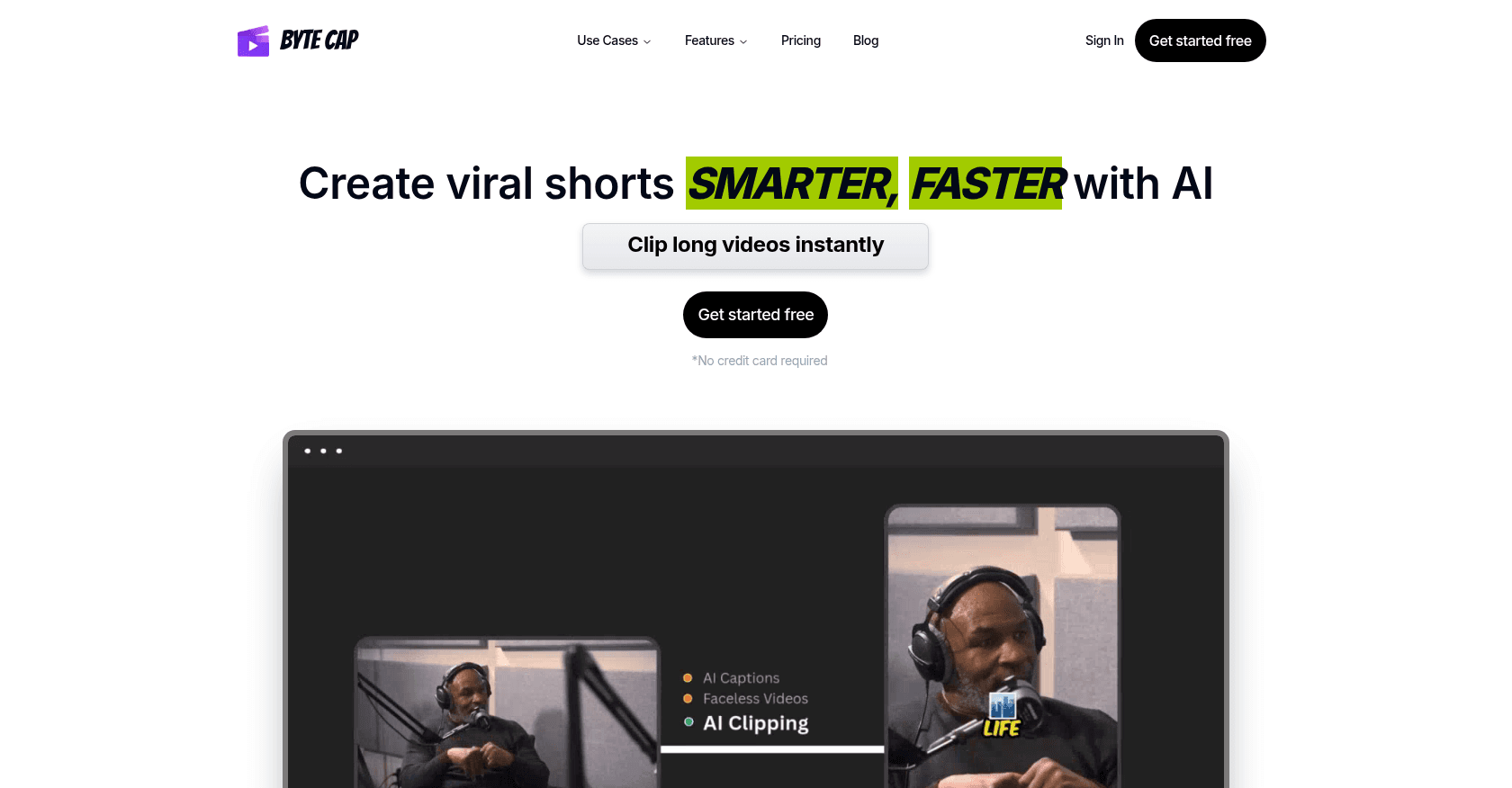
Screenshot of ByteCap
Verified

ByteCap

4.5 (68)

ByteCap is an AI-powered video editing platform that enables users to create engaging short-form videos with custom captions, automated clipping, and multilingual support. Designed for content creators, marketers, and educators, ByteCap simplifies the process of producing viral-ready videos optimized for platforms like TikTok, Instagram Reels, and YouTube Shorts.

Video EditorShort Clips GeneratorTranscriptionSpeech-to-TextContent GeneratorSocial Media Assistant
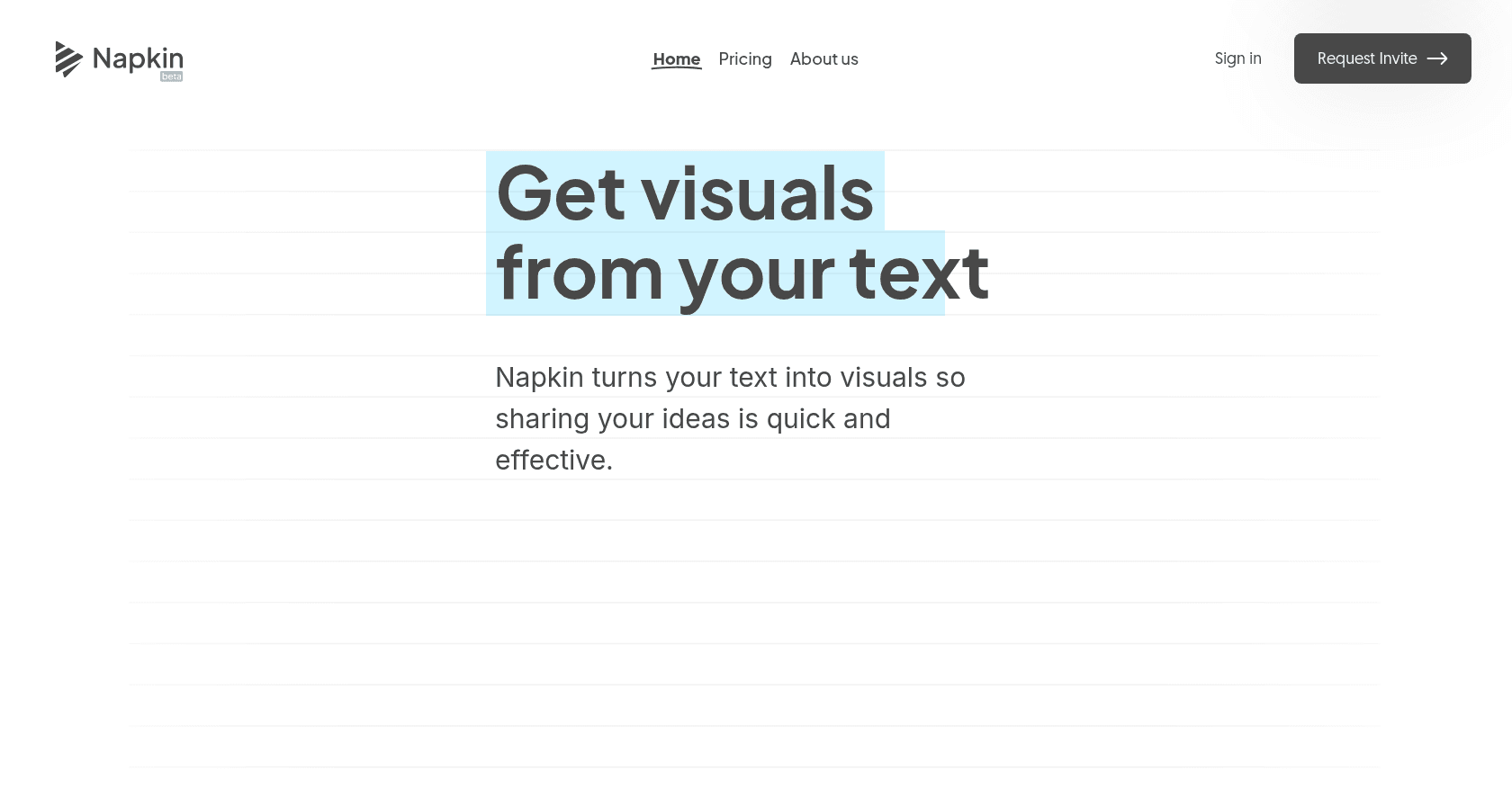
Screenshot of Napkin
Verified

Napkin

4.6 (51)

Napkin is an AI-powered tool that transforms text into engaging visuals like diagrams, flowcharts, and infographics, simplifying visual storytelling for professionals across various fields.

Presentation GeneratorContent GeneratorDesign GeneratorCreative Writing

Comparison table

CriterionByteCapNapkin
Average rating4.54.6
Number of reviews6851
Free planYesYes
PlansFree Plan, Pro Plan - $19/month, Premium Pro Plan - $47/month, Business Plan - $140/monthStarter - Free, Professional - Free during beta, Enterprise - Coming soon
CategoriesVideo Editor, Short Clips Generator, Transcription, Speech-to-Text, Content Generator, Social Media AssistantPresentation Generator, Content Generator, Design Generator, Creative Writing
Last updatedMay 2, 2025May 2, 2025

See all tools in these categories: Content Generator

Our verdict

ByteCap or Napkin?

ByteCap (4.5/5) and Napkin (4.6/5) earn very similar ratings from our community: the choice mostly comes down to your use case.

Budget-wise, both tools offer a free plan: you can try them before committing to a paid tier.

Positioning-wise, ByteCap stands out in Video Editor, Short Clips Generator, Transcription, Speech-to-Text and Social Media Assistant, while Napkin focuses on Presentation Generator, Design Generator and Creative Writing.

Features head to head

ByteCap

  • AI-generated captions with 99% accuracy
  • Support for over 99 languages with automatic detection
  • Automated video clipping to create short-form content
  • Customizable caption themes with fonts, colors, and effects
  • Export options in multiple formats including SRT, VTT, ASS, and TXT
  • Integration with trendy sounds and background music
  • Faceless video creation with AI-generated voiceovers and scripts
  • One-click resizing for various social media aspect ratios

Napkin

  • Text-to-visual conversion without the need for prompts
  • Auto Spark feature for generating multiple visual formats
  • Customization options including colors, fonts, icons, and layouts
  • Real-time collaboration with multiple editors
  • Export options in PNG, SVG, and PDF formats
  • Support for both light and dark modes

Pricing compared

ByteCap

Free Plan

  • Process up to 3 videos per month
  • Captions with watermark
  • Export videos up to 2 minutes in HD quality

Pro Plan - $19/month

  • Process up to 20 videos per month
  • No watermark on captions
  • Export videos up to 5 minutes in HD quality
  • Shareable links valid for 3 months
  • Priority customer support
  • Access to new features

Premium Pro Plan - $47/month

  • Process up to 40 videos per month
  • No watermark on captions
  • Export videos up to 10 minutes in 2K quality
  • Shareable links valid for 3 months
  • Priority customer support
  • Access to new features

Business Plan - $140/month

  • Process up to 500 videos per month
  • No watermark on captions
  • Export videos up to 10 minutes in 2K quality
  • Shareable links valid for 3 months
  • Priority customer support
  • Access to new features

Napkin

Starter - Free

  • Access to all editing tools
  • Create up to 3 Napkins
  • Limited Autographics quotas
  • Day Mode only
  • Choice of 3 color themes
  • Community support

Professional - Free during beta

  • Unlimited Napkin creation
  • Unlimited visual generation
  • Real-time collaboration with unlimited editors
  • Access to all 12 vibrant colors
  • Day & Night Modes
  • Priority email support

Enterprise - Coming soon

  • Customizable color palettes to match brand identity
  • Premium support with direct access to the expert team
  • Custom integration options
  • Advanced admin controls
  • Exclusive early access to new features and updates
  • Tailored onboarding and training sessions

Prices are indicative and may change — check the official sites for up-to-date pricing.

Frequently asked questions

What is the difference between ByteCap and Napkin?

Both tools share the Content Generator space, but ByteCap also covers Video Editor, Short Clips Generator, Transcription, Speech-to-Text and Social Media Assistant, while Napkin adds Presentation Generator, Design Generator and Creative Writing.

ByteCap or Napkin: which one is rated higher?

The two tools are neck and neck: ByteCap shows 4.5/5 (68 reviews) and Napkin 4.6/5 (51 reviews).

Can you use ByteCap or Napkin for free?

Yes: both ByteCap and Napkin offer a free plan to get started. Advanced features require their paid tiers.

Other comparisons