Granola vs Notion: which one to choose in 2026?

Community ratings, features, pricing and free plans: the complete head-to-head between Granola and Notion to find the right tool for your needs.

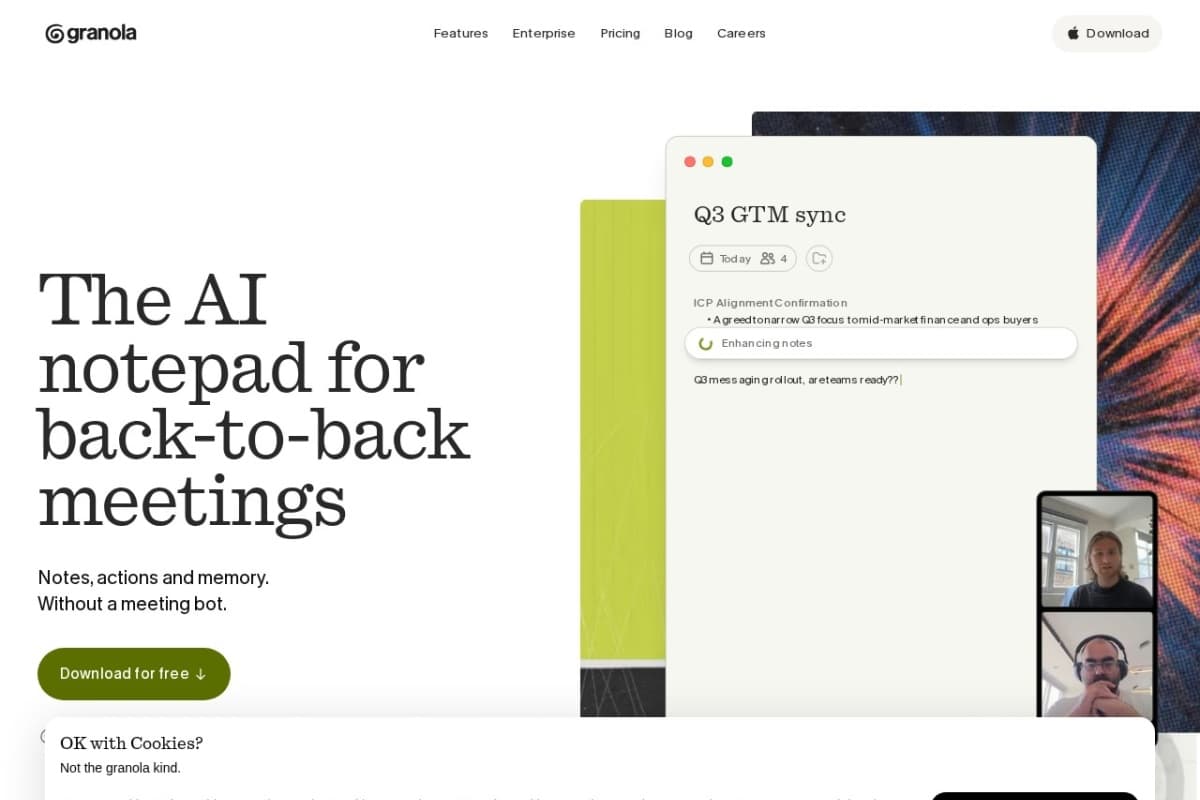
Screenshot of Granola
Verified

Granola

4.6 (94)

Granola is an AI meeting notepad built by the London-based startup of the same name, valued at $1.5 billion in 2026. The app captures audio directly from your computer, with no visible bot in the call, then merges your raw notes with the transcript to produce polished meeting summaries. This discretion, along with the central role given to your own notes, sets it apart from traditional meeting recorders.

Meeting AssistantNotes Assistant
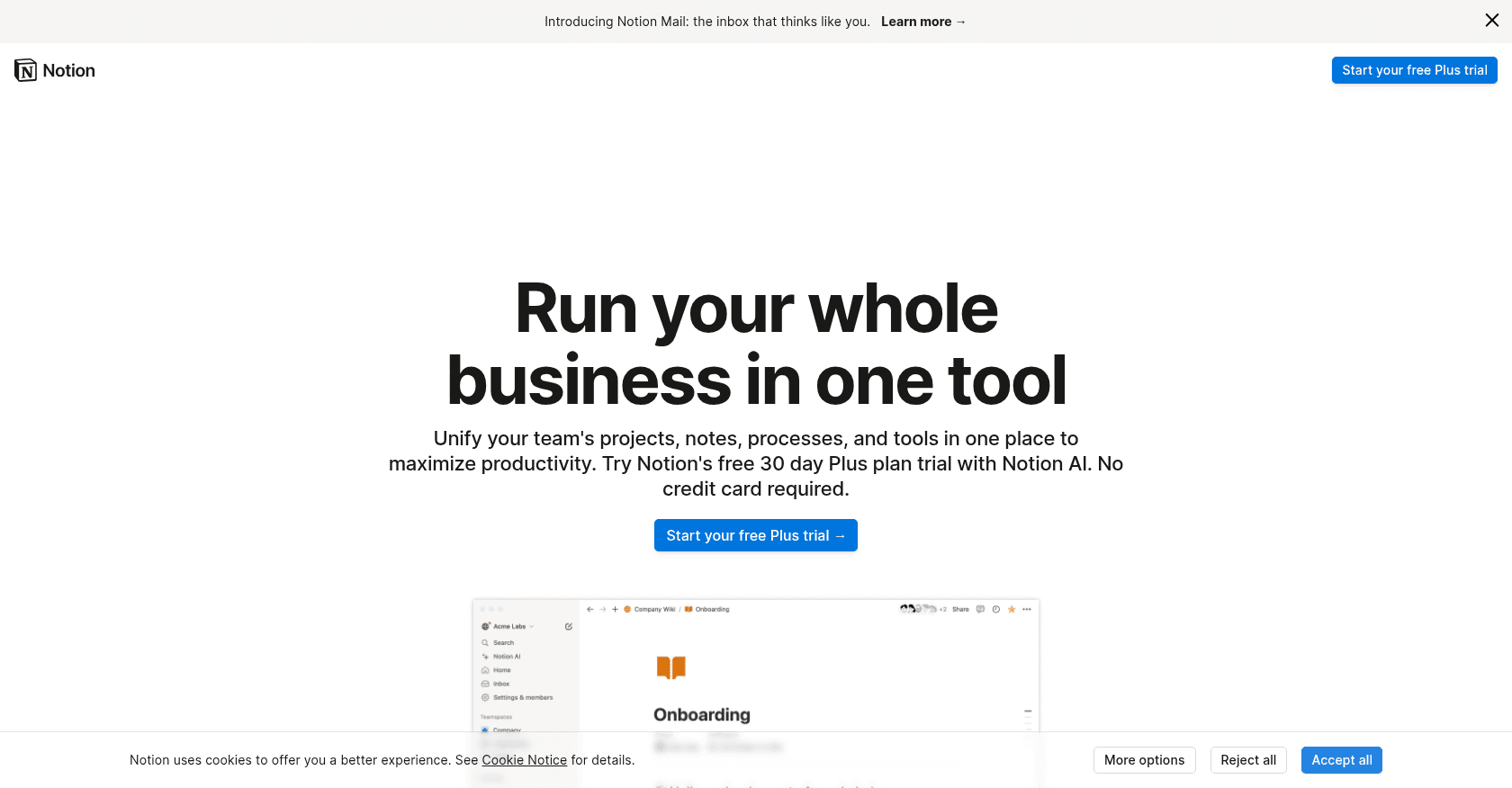
Screenshot of Notion
Verified

Notion

4.5 (689)

Notion brings notes, documents, databases and project management together in a single, fully customizable workspace. Its built-in assistant, Notion AI, writes, summarizes, translates and answers questions by drawing on the content of your workspace. Since Notion 3.0, its autonomous agents can carry out entire tasks on your behalf, from drafting pages to updating whole databases.

Notes AssistantProject Management

Comparison table

CriterionGranolaNotion
Average rating4.64.5
Number of reviews94689
Free planNoYes
PlansBasic, Business, EnterpriseFree, Plus, Business
CategoriesMeeting Assistant, Notes AssistantNotes Assistant, Project Management
Last updatedJuly 8, 2026July 8, 2026

See all tools in these categories: Notes Assistant

Our verdict

Granola or Notion?

Granola (4.6/5) and Notion (4.5/5) earn very similar ratings from our community: the choice mostly comes down to your use case.

Budget-wise, Notion offers a free plan to get started, while Granola does not appear to offer one.

Positioning-wise, Granola stands out in Meeting Assistant, while Notion focuses on Project Management.

Features head to head

Granola

  • Discreet transcription via your computer's audio, with no bot joining your Zoom, Meet or Teams calls
  • Merges your raw notes with the transcript into a polished summary
  • AI chat to query a single meeting or your entire history, with citations
  • Customizable note templates (interviews, sales calls, stand-ups and more)
  • Notion, Slack, HubSpot and Zapier integrations, plus an MCP server to connect your AI tools

Notion

  • Flexible pages combining text, tables and media
  • Powerful databases with multiple views
  • Notion AI and its autonomous agents for writing, summarizing and automating multi-step tasks
  • Real-time collaboration and comments
  • Thousands of free templates to get started quickly

Pricing compared

Granola

Basic

  • Free
  • AI notes and chat, custom templates
  • Limited meeting history
  • Multilingual support and shared folders

Business

  • $14 per user per month
  • Unlimited meetings and history
  • Notion, Slack, HubSpot and Zapier integrations
  • API access and MCP integration

Enterprise

  • $35 per user per month
  • SSO and advanced admin controls
  • Organization-wide exclusion from model training
  • Priority support and automatic data deletion

Notion

Free

  • Unlimited pages and blocks for individual use
  • Collaboration limited to a few guests
  • 7-day version history

Plus

  • Around €9.50 per user per month
  • Unlimited blocks for teams
  • 30-day version history

Business

  • Around €19.50 per user per month
  • Notion AI and its autonomous agents included at no extra cost
  • Private team spaces and SAML SSO

Prices are indicative and may change — check the official sites for up-to-date pricing.

Frequently asked questions

What is the difference between Granola and Notion?

Both tools share the Notes Assistant space, but Granola also covers Meeting Assistant, while Notion adds Project Management.

Granola or Notion: which one is rated higher?

The two tools are neck and neck: Granola shows 4.6/5 (94 reviews) and Notion 4.5/5 (689 reviews).

Can you use Granola or Notion for free?

Granola does not offer a free plan as far as we know, and Notion offers a free plan.

Other comparisons