Kin vs Notion: which one to choose in 2026?

Community ratings, features, pricing and free plans: the complete head-to-head between Kin and Notion to find the right tool for your needs.

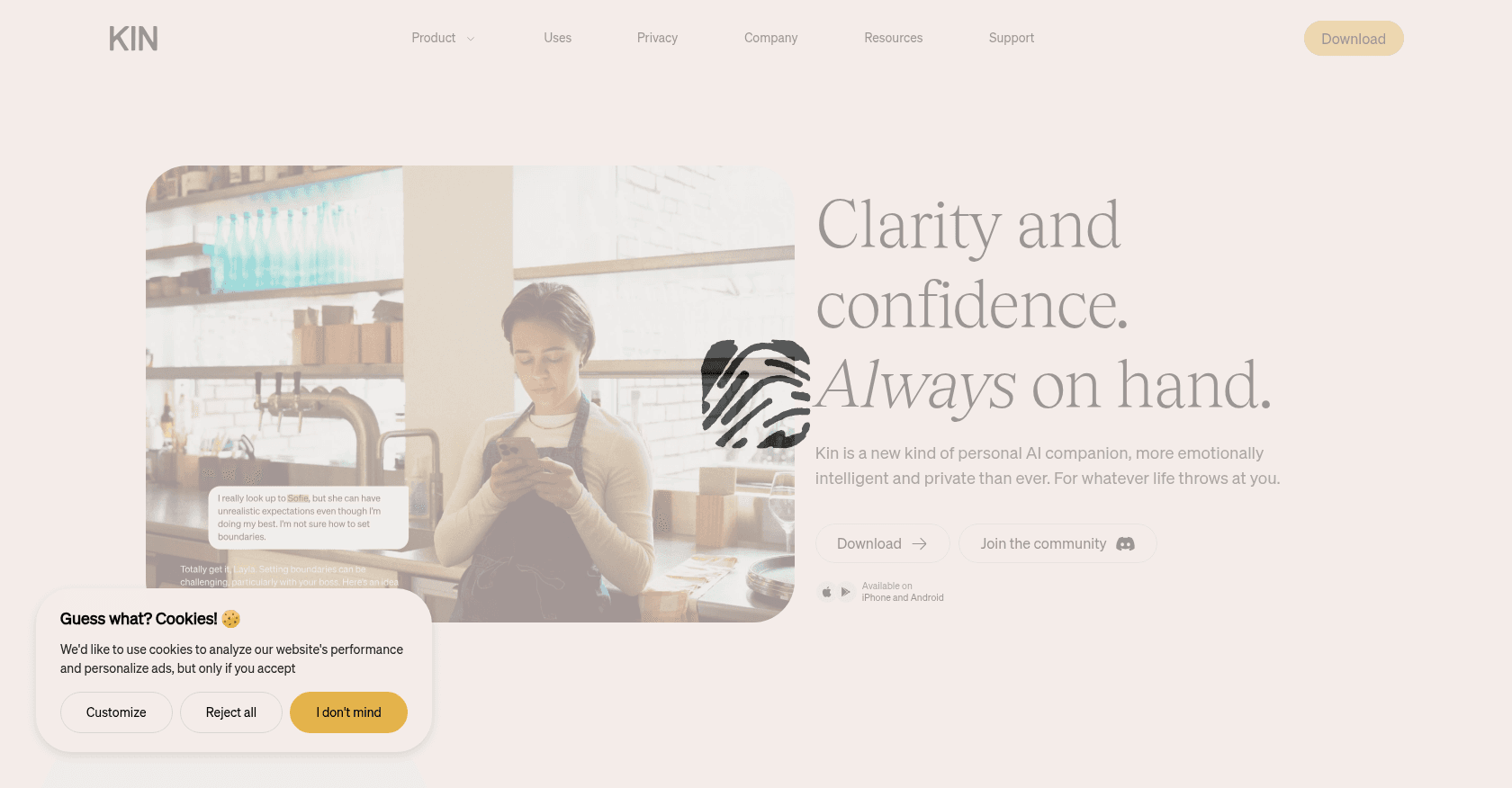
Screenshot of Kin
Verified

Kin

4.1 (154)

Kin is a privacy-focused personal AI assistant designed to support users in both their personal and professional lives. It offers emotionally intelligent interactions, advanced memory capabilities, and ensures data privacy by storing information locally on the user's device.

ChatbotNotes AssistantTask ManagementMeeting AssistantProject Management
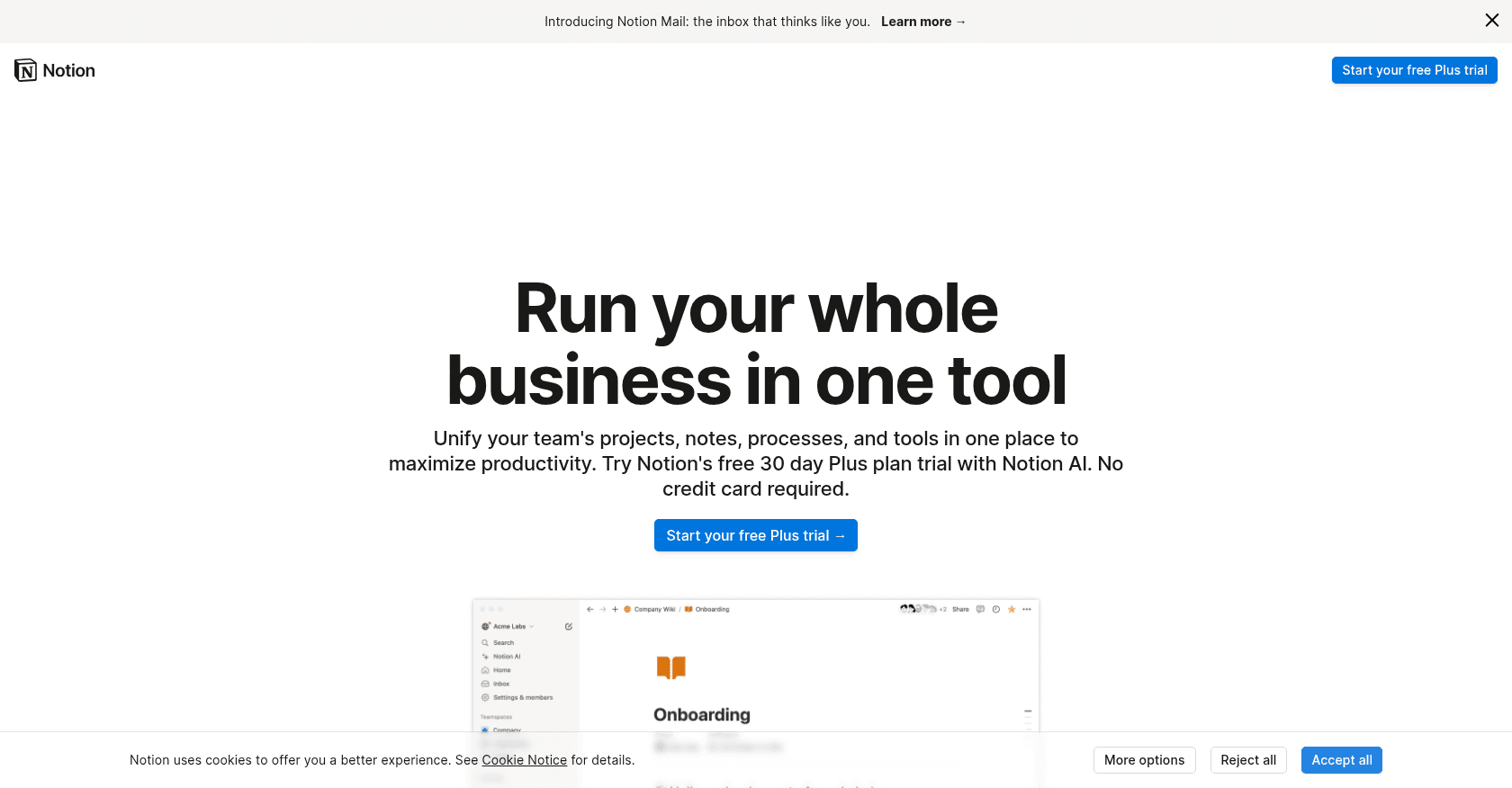
Screenshot of Notion
Verified

Notion

4.5 (689)

Notion brings notes, documents, databases and project management together in a single, fully customizable workspace. Its built-in assistant, Notion AI, writes, summarizes, translates and answers questions by drawing on the content of your workspace. Since Notion 3.0, its autonomous agents can carry out entire tasks on your behalf, from drafting pages to updating whole databases.

Notes AssistantProject Management

Comparison table

CriterionKinNotion
Average rating4.14.5
Number of reviews154689
Free planYesYes
PlansFree (Beta Access), Subscription Plan (Coming Soon)Free, Plus, Business
CategoriesChatbot, Notes Assistant, Task Management, Meeting Assistant, Project ManagementNotes Assistant, Project Management
Last updatedMay 2, 2025July 8, 2026

See all tools in these categories: Notes Assistant, Project Management

Our verdict

Kin or Notion?

With an average rating of 4.5/5 (689 reviews), Notion comes out ahead of Kin (4.1/5, 154 reviews) with our community.

Budget-wise, both tools offer a free plan: you can try them before committing to a paid tier.

Kin also covers Chatbot, Task Management and Meeting Assistant, ground that Notion does not directly address.

Features head to head

Kin

  • Semantic and episodic memory for personalized interactions
  • Local data storage ensuring user privacy
  • Customizable tone and behavior settings
  • Integration with calendars for scheduling
  • Personalized reminders and journaling features

Notion

  • Flexible pages combining text, tables and media
  • Powerful databases with multiple views
  • Notion AI and its autonomous agents for writing, summarizing and automating multi-step tasks
  • Real-time collaboration and comments
  • Thousands of free templates to get started quickly

Pricing compared

Kin

Free (Beta Access)

  • Unlimited messaging
  • Full access to all features
  • Local data storage
  • Personalized assistance

Subscription Plan (Coming Soon)

  • Continued access to all features
  • Priority support
  • Additional integrations
  • Enhanced customization options

Notion

Free

  • Unlimited pages and blocks for individual use
  • Collaboration limited to a few guests
  • 7-day version history

Plus

  • Around €9.50 per user per month
  • Unlimited blocks for teams
  • 30-day version history

Business

  • Around €19.50 per user per month
  • Notion AI and its autonomous agents included at no extra cost
  • Private team spaces and SAML SSO

Prices are indicative and may change — check the official sites for up-to-date pricing.

Frequently asked questions

What is the difference between Kin and Notion?

Both tools share the Notes Assistant and Project Management space, but Kin also covers Chatbot, Task Management and Meeting Assistant.

Kin or Notion: which one is rated higher?

Notion earns the better average rating: 4.5/5 (689 reviews), versus 4.1/5 (154 reviews) for Kin.

Can you use Kin or Notion for free?

Yes: both Kin and Notion offer a free plan to get started. Advanced features require their paid tiers.

Other comparisons