GitHub Copilot

Vérifié
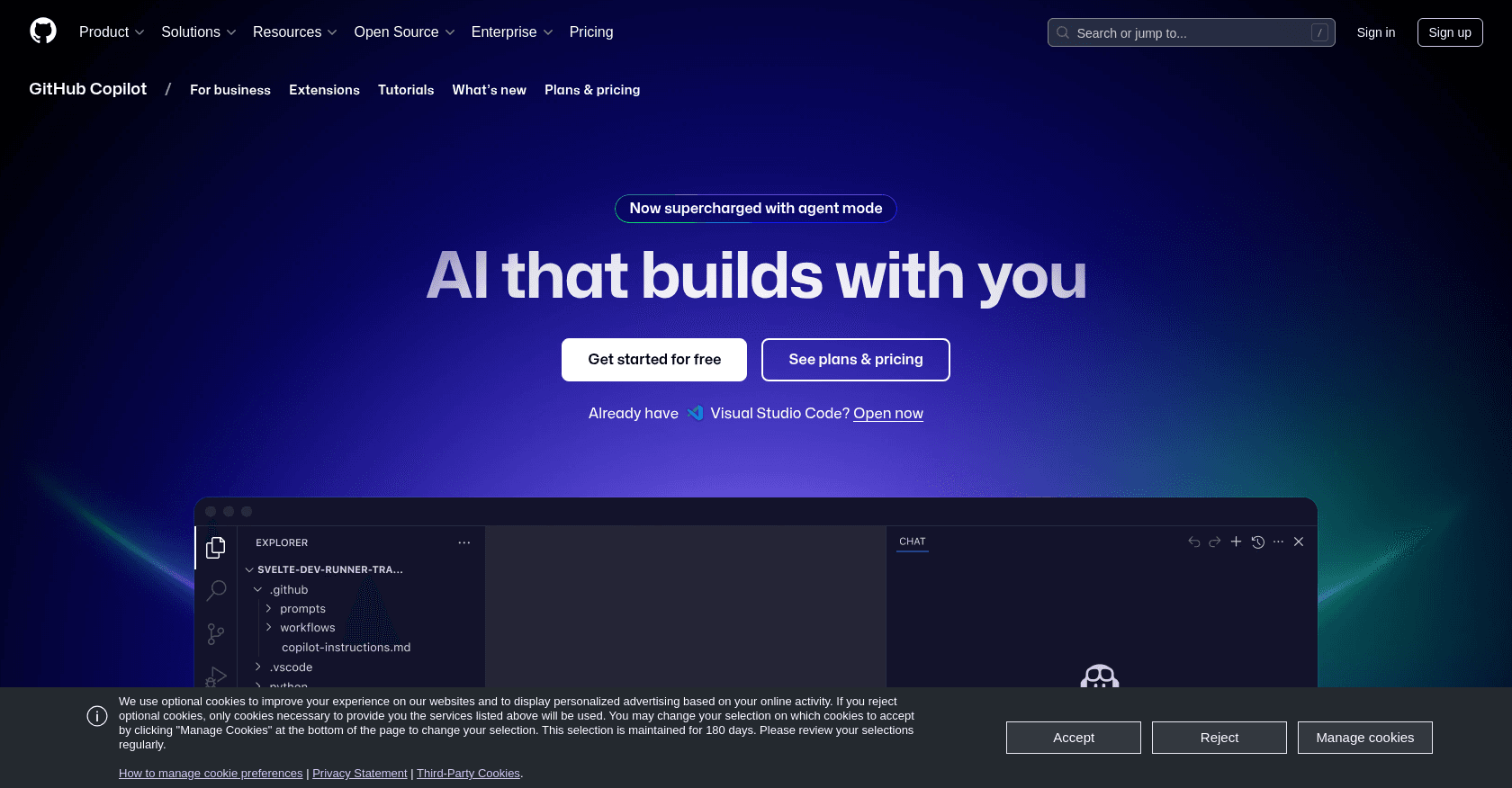
Capture d'écran de GitHub Copilot

À propos

GitHub Copilot is an AI-powered coding assistant developed by GitHub and OpenAI. It integrates seamlessly with popular IDEs to provide real-time code suggestions, helping developers write code faster and with fewer errors.

Fonctionnalités clés

  • AI-powered code completion and suggestions
  • Support for multiple programming languages
  • Integration with popular IDEs
  • Context-aware code generation
  • Ability to explain code and suggest improvements

Cas d'usage

Accelerating software development with AI-assisted codingRefactoring existing codebases efficientlyGenerating documentation and README filesDebugging and error correction with AI suggestionsLearning and exploring new codebases through AI explanations

Comment l'utiliser

1. Install the GitHub Copilot extension in your preferred IDE (e.g., Visual Studio Code, Visual Studio, JetBrains IDEs, or Neovim). 2. Sign in with your GitHub account. 3. Start coding; Copilot will provide real-time code suggestions and completions based on your input.

Tarifs

Copilot Free

  • Access to basic AI features
  • Support for multiple programming languages
  • Integration with popular IDEs

Copilot Pro - $10/month or $100/year

  • Access to advanced AI models
  • Extended context windows for deeper code understanding
  • Priority support and feature updates

Copilot Pro+ - $39/month or $390/year

  • Access to the most advanced AI models
  • Highest usage limits
  • Enhanced support and enterprise features

Copilot Business - $19/user/month

  • Team management features
  • Centralized billing
  • Enhanced security and compliance

Copilot Enterprise - $39/user/month

  • Enterprise-grade security and compliance
  • Advanced administrative controls
  • Premium support

Les tarifs sont donnés à titre indicatif et peuvent évoluer — consultez le site officiel pour les prix à jour.

Questions fréquentes

Is GitHub Copilot compatible with my existing IDE?

Yes, GitHub Copilot supports integration with Visual Studio Code, Visual Studio, JetBrains IDEs, and Neovim.

Does GitHub Copilot support multiple programming languages?

Yes, GitHub Copilot supports a wide range of programming languages, including Python, JavaScript, TypeScript, Ruby, and Go.

Can I use GitHub Copilot for free?

GitHub Copilot offers a free version with basic functionality. Students, teachers, and open-source maintainers may qualify for free access to Copilot Pro.

Which AI models does GitHub Copilot use?

GitHub Copilot utilizes advanced AI models, including OpenAI's Codex and GPT-4, to provide intelligent code assistance.

Alternatives à GitHub Copilot