Faceless Video

Verified
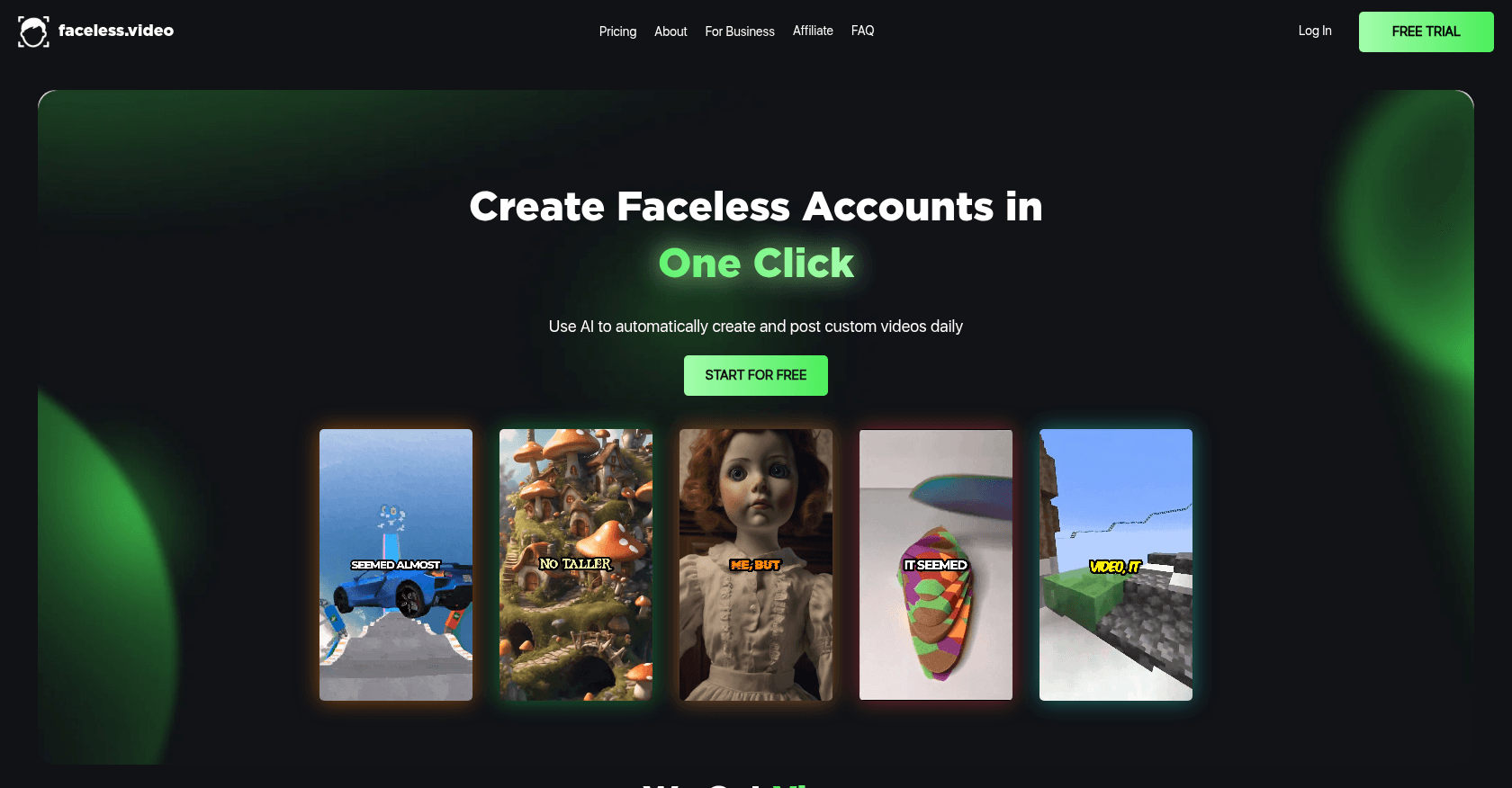
Screenshot of Faceless Video

About

Faceless Video is an AI-powered tool that enables users to create professional videos without appearing on camera. It simplifies video production for content creators who prefer to remain off-camera, offering a range of features for generating engaging video content.

Key features

  • AI-driven video generation
  • Multiple video templates
  • Text-to-speech capabilities
  • Customizable animations and effects
  • HD video export
  • Library of visual assets and backgrounds

Use cases

Social media content creationMarketing videos for products or servicesEducational video contentCorporate presentationsExplainer videos

How to use it

1. Sign up on the Faceless Video platform. 2. Select a video template or create a new project. 3. Upload or input your text script, and choose visual elements and voiceover options. 4. Customize the video with additional text, animations, and effects. 5. Preview the video and make any necessary adjustments. 6. Export the final video in your preferred format.

Pricing

Free Plan

  • Access to basic templates
  • Limited exports with watermarks
  • Up to 720p video quality

Pro Plan - $15/month

  • Unlimited access to all templates
  • No watermarks on exports
  • 1080p video quality
  • Priority customer support
  • Access to premium visual assets

Business Plan - $30/month

  • All Pro Plan features
  • 4K video export quality
  • Dedicated account manager
  • Advanced customization options
  • Team collaboration tools

Prices are indicative and may change — check the official site for up-to-date pricing.

Frequently asked questions

Can I use Faceless Video to create videos for social media?

Yes, Faceless Video offers various templates and customization options that are ideal for creating social media content.

Do I need video editing experience to use this tool?

No, Faceless Video is designed to be user-friendly and accessible to users without prior video editing experience.

Can I add my own audio or voiceover to the videos?

Yes, you can upload your own audio files or use the text-to-speech feature to add voiceovers.

Alternatives to Faceless Video