KREA vs Recraft: which one to choose in 2026?

Community ratings, features, pricing and free plans: the complete head-to-head between KREA and Recraft to find the right tool for your needs.

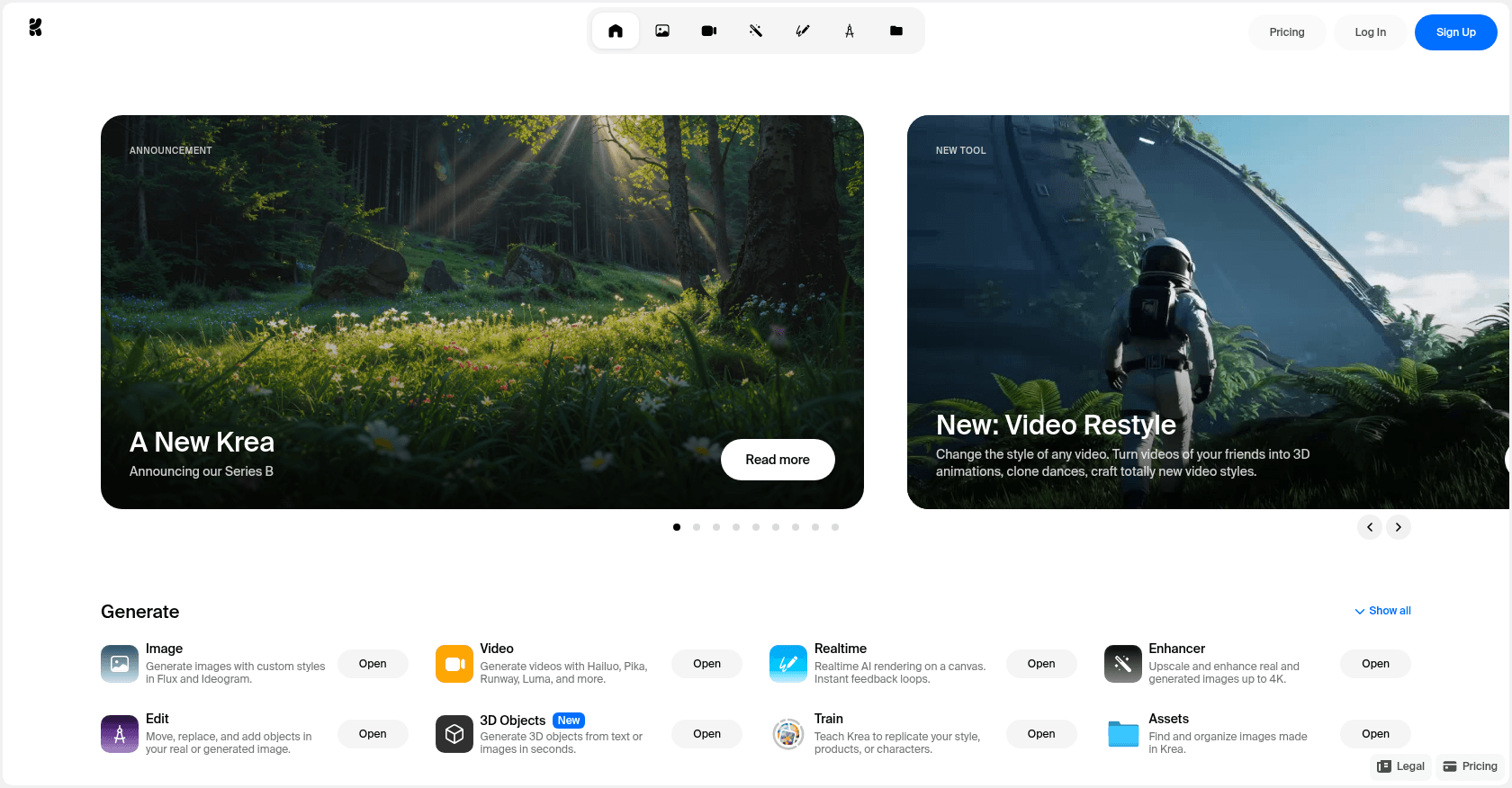
Screenshot of KREA
Verified

KREA

4.0 (72)

KREA is an AI-powered platform designed for creating high-quality images and art from text prompts. It caters to both creative professionals and businesses, offering a variety of tools to generate visual content quickly and efficiently. Users can explore and experiment with AI-generated images, making it ideal for creative design, advertising, and content generation purposes.

Text to ImagePhoto & Image GeneratorArt GeneratorDesign GeneratorContent GeneratorGraphic Design
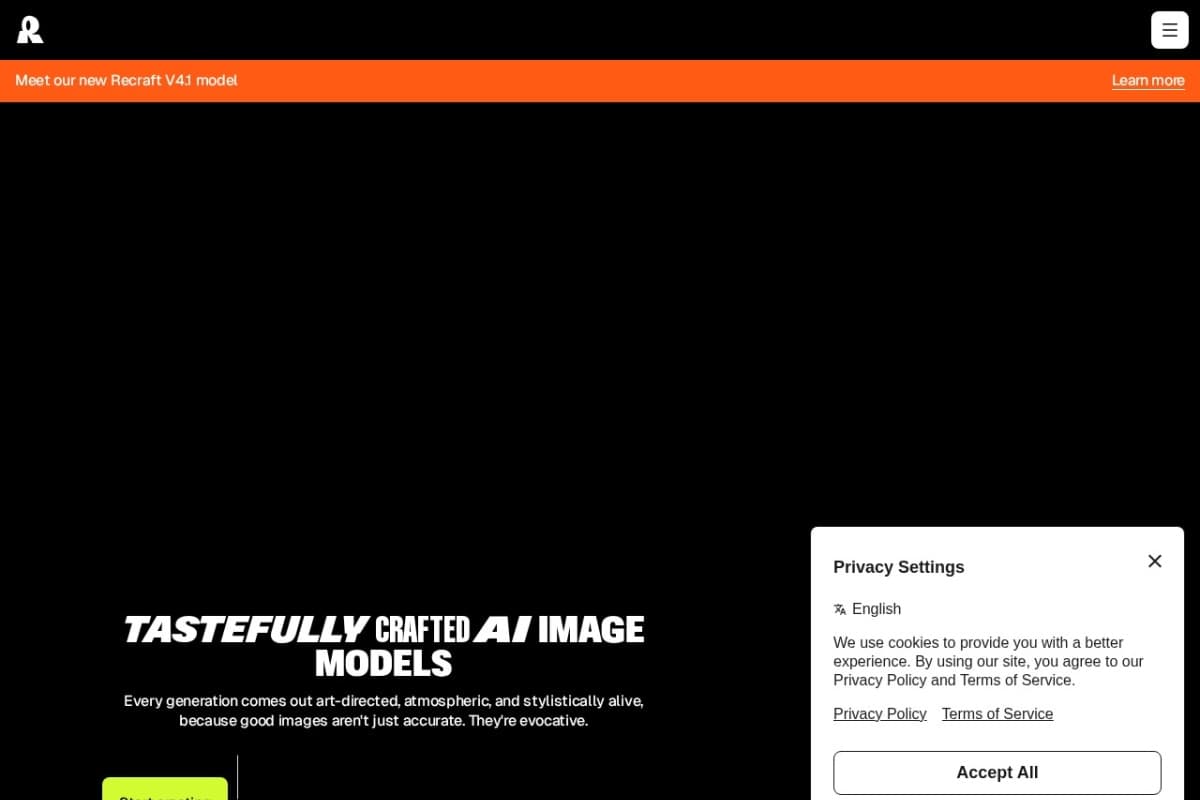
Screenshot of Recraft
Verified

Recraft

4.5 (142)

Recraft is an AI image generation platform built by the London-based startup of the same name, designed for designers and creative teams. Its in-house Recraft V4 model produces both raster images and genuine editable SVG files, with reliable rendering of text and typography. Where most generators deliver rough bitmaps, Recraft is all about control: custom styles, brand palettes, mockups and Figma plugins make it a full-fledged graphic production tool.

Design GeneratorGraphic DesignIllustration Generator

Comparison table

CriterionKREARecraft
Average rating4.04.5
Number of reviews72142
Free planYesYes
PlansFree Plan, Paid PlansFree, Basic, Pro
CategoriesText to Image, Photo & Image Generator, Art Generator, Design Generator, Content Generator, Graphic DesignDesign Generator, Graphic Design, Illustration Generator
Last updatedSeptember 27, 2024July 8, 2026

See all tools in these categories: Design Generator, Graphic Design

Our verdict

KREA or Recraft?

With an average rating of 4.5/5 (142 reviews), Recraft comes out ahead of KREA (4.0/5, 72 reviews) with our community.

Budget-wise, both tools offer a free plan: you can try them before committing to a paid tier.

Positioning-wise, KREA stands out in Text to Image, Photo & Image Generator, Art Generator and Content Generator, while Recraft focuses on Illustration Generator.

Features head to head

KREA

  • Text to Image Generation: Create custom visuals from simple text descriptions.
  • Explore AI Art: Access a diverse gallery of AI-generated artwork.
  • Customization Options: Refine the AI output with additional specifications.
  • Image Download: Easily download generated images for personal or professional use.

Recraft

  • Native, editable, production-ready SVG file generation (logos, icons, illustrations)
  • In-house Recraft V4 model with accurate rendering of text and typography inside images
  • Custom styles built from reference images, with no model training required
  • Brand control: enforced color palettes and precise positioning of elements
  • Built-in product mockups, Figma and Framer plugins, and API access for developers

Pricing compared

KREA

Free Plan

  • Limited access with a set number of image generations.

Paid Plans

  • Tiered options offering more image generations
  • Higher resolution downloads
  • Commercial-use licenses

Recraft

Free

  • Around thirty free credits every day
  • Image and vector generation, basic editing
  • Public creations, no commercial license

Basic

  • $10 per month (billed annually)
  • 1,000 monthly credits
  • Commercial rights and private generations

Pro

  • $48 per month (billed annually)
  • 8,400 monthly credits
  • Video generation (Veo, Seedance, etc.) and advanced tools

Prices are indicative and may change — check the official sites for up-to-date pricing.

Frequently asked questions

What is the difference between KREA and Recraft?

Both tools share the Design Generator and Graphic Design space, but KREA also covers Text to Image, Photo & Image Generator, Art Generator and Content Generator, while Recraft adds Illustration Generator.

KREA or Recraft: which one is rated higher?

Recraft earns the better average rating: 4.5/5 (142 reviews), versus 4.0/5 (72 reviews) for KREA.

Can you use KREA or Recraft for free?

Yes: both KREA and Recraft offer a free plan to get started. Advanced features require their paid tiers.

Other comparisons