GitHub Copilot vs Windsurf: which one to choose in 2026?

Community ratings, features, pricing and free plans: the complete head-to-head between GitHub Copilot and Windsurf to find the right tool for your needs.

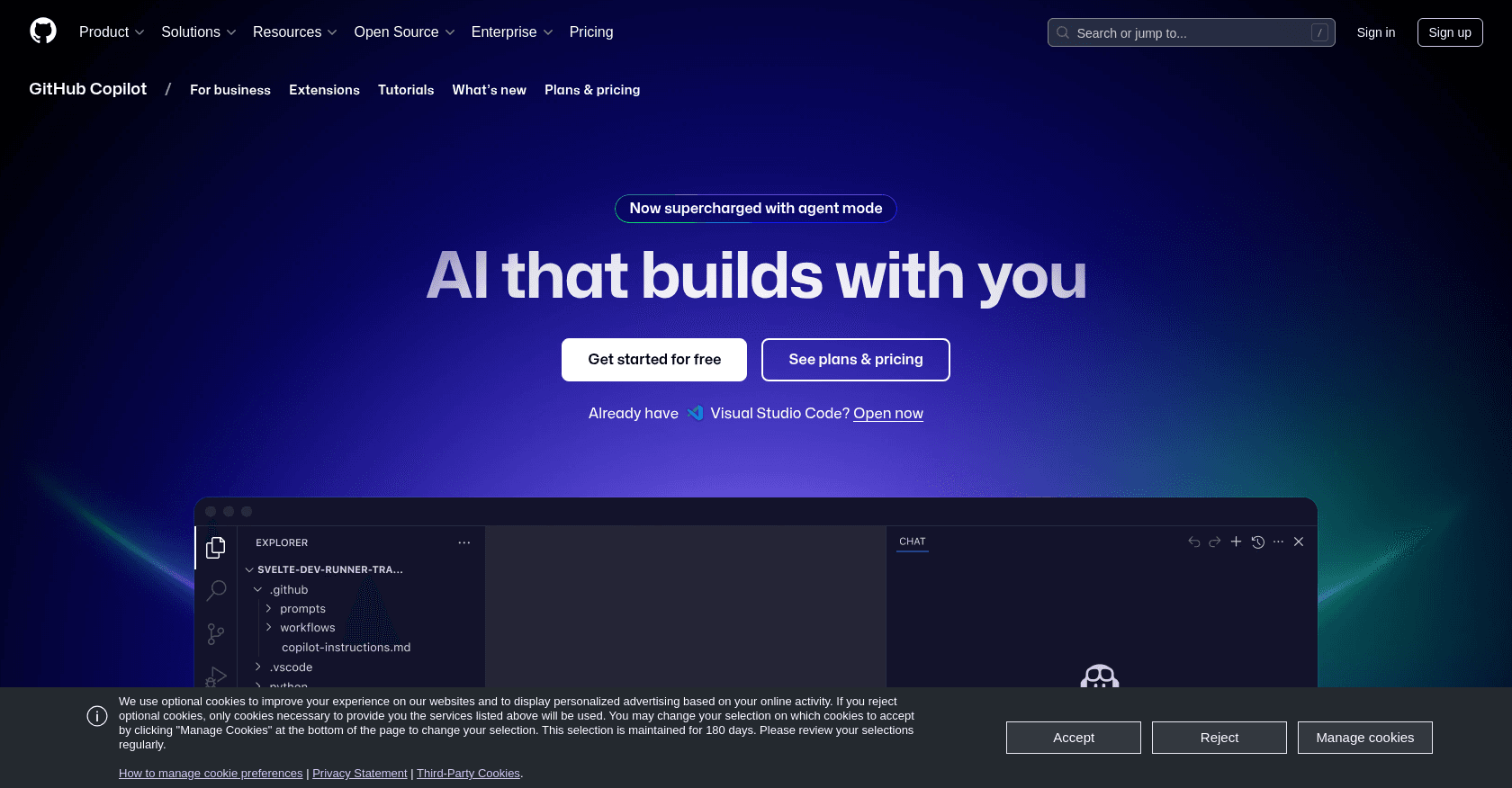
Screenshot of GitHub Copilot
Verified

GitHub Copilot

4.5 (566)

A pioneer of AI-powered coding assistance, GitHub Copilot suggests lines, entire functions and tests right inside your editor. Integrated with VS Code, JetBrains IDEs and GitHub itself, it draws on the best models on the market to speed up the daily work of millions of developers. Now a full-fledged agent platform, it can take on entire issues and open pull requests autonomously.

Code AssistantCode Generator
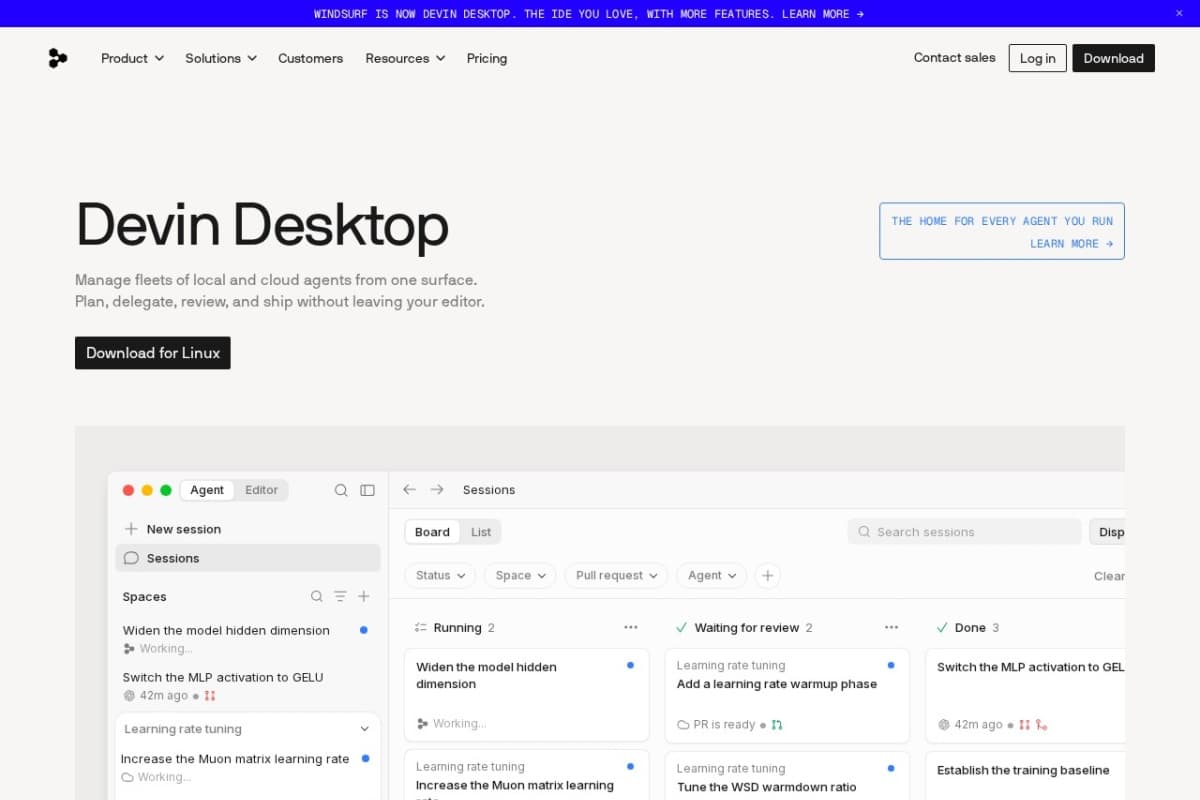
Screenshot of Windsurf
Verified

Windsurf

4.4 (167)

Windsurf is an agentic IDE created by Codeium and now owned by Cognition (the maker of Devin), which rebranded it as Devin Desktop in June 2026. Its local agent, Cascade — now Devin Local — analyzes your entire project, plans changes, edits multiple files and runs commands to carry out development tasks end to end. It stands out for its deep understanding of large codebases (Fast Context, Codemaps) and free access to its in-house SWE-1.6 model.

Code AssistantDeveloper Tools

Comparison table

CriterionGitHub CopilotWindsurf
Average rating4.54.4
Number of reviews566167
Free planYesYes
PlansFree, Pro, BusinessFree, Pro, Max
CategoriesCode Assistant, Code GeneratorCode Assistant, Developer Tools
Last updatedJuly 8, 2026July 8, 2026

See all tools in these categories: Code Assistant

Our verdict

GitHub Copilot or Windsurf?

GitHub Copilot (4.5/5) and Windsurf (4.4/5) earn very similar ratings from our community: the choice mostly comes down to your use case.

Budget-wise, both tools offer a free plan: you can try them before committing to a paid tier.

Positioning-wise, GitHub Copilot stands out in Code Generator, while Windsurf focuses on Developer Tools.

Features head to head

GitHub Copilot

  • Real-time code completion in the editor
  • Context-aware chat that knows your codebase
  • Agent mode capable of handling multi-file tasks
  • Autonomous coding agent that turns issues into pull requests
  • Choice of multiple models (GPT, Claude, Gemini)
  • Copilot CLI and desktop app for managing agents

Windsurf

  • Devin Local agent (formerly Cascade): whole-project understanding, multi-file edits and command execution
  • Plan mode and parallel agent sessions to tackle several tasks at once
  • Supercomplete and Tab completions included even on the free tier
  • Codemaps and Fast Context to map and navigate large codebases
  • Memories and custom rules to remember your project conventions and preferences

Pricing compared

GitHub Copilot

Free

  • Limited access to the main features
  • Monthly allowance of AI credits
  • Automatic model selection

Pro

  • $10 per month, monthly AI credits included
  • Access to agent mode and advanced models
  • Free for verified students
  • Pro+ tier at $39 per month for a larger credit allowance

Business

  • $19 per user per month
  • Centralized license management
  • Code excluded from model training

Windsurf

Free

  • Light agent usage quota
  • Tab and Supercomplete completions
  • Unlimited access to the in-house SWE-1.6 model

Pro

  • $20 per month
  • Larger quotas and frontier models (OpenAI, Anthropic, Google)
  • Access to the accelerated version of SWE-1.6

Max

  • $200 per month
  • Substantially higher quotas than the Pro plan
  • All Pro plan features included

Prices are indicative and may change — check the official sites for up-to-date pricing.

Frequently asked questions

What is the difference between GitHub Copilot and Windsurf?

Both tools share the Code Assistant space, but GitHub Copilot also covers Code Generator, while Windsurf adds Developer Tools.

GitHub Copilot or Windsurf: which one is rated higher?

The two tools are neck and neck: GitHub Copilot shows 4.5/5 (566 reviews) and Windsurf 4.4/5 (167 reviews).

Can you use GitHub Copilot or Windsurf for free?

Yes: both GitHub Copilot and Windsurf offer a free plan to get started. Advanced features require their paid tiers.

Other comparisons