Bolt.new vs GitHub Copilot: which one to choose in 2026?

Community ratings, features, pricing and free plans: the complete head-to-head between Bolt.new and GitHub Copilot to find the right tool for your needs.

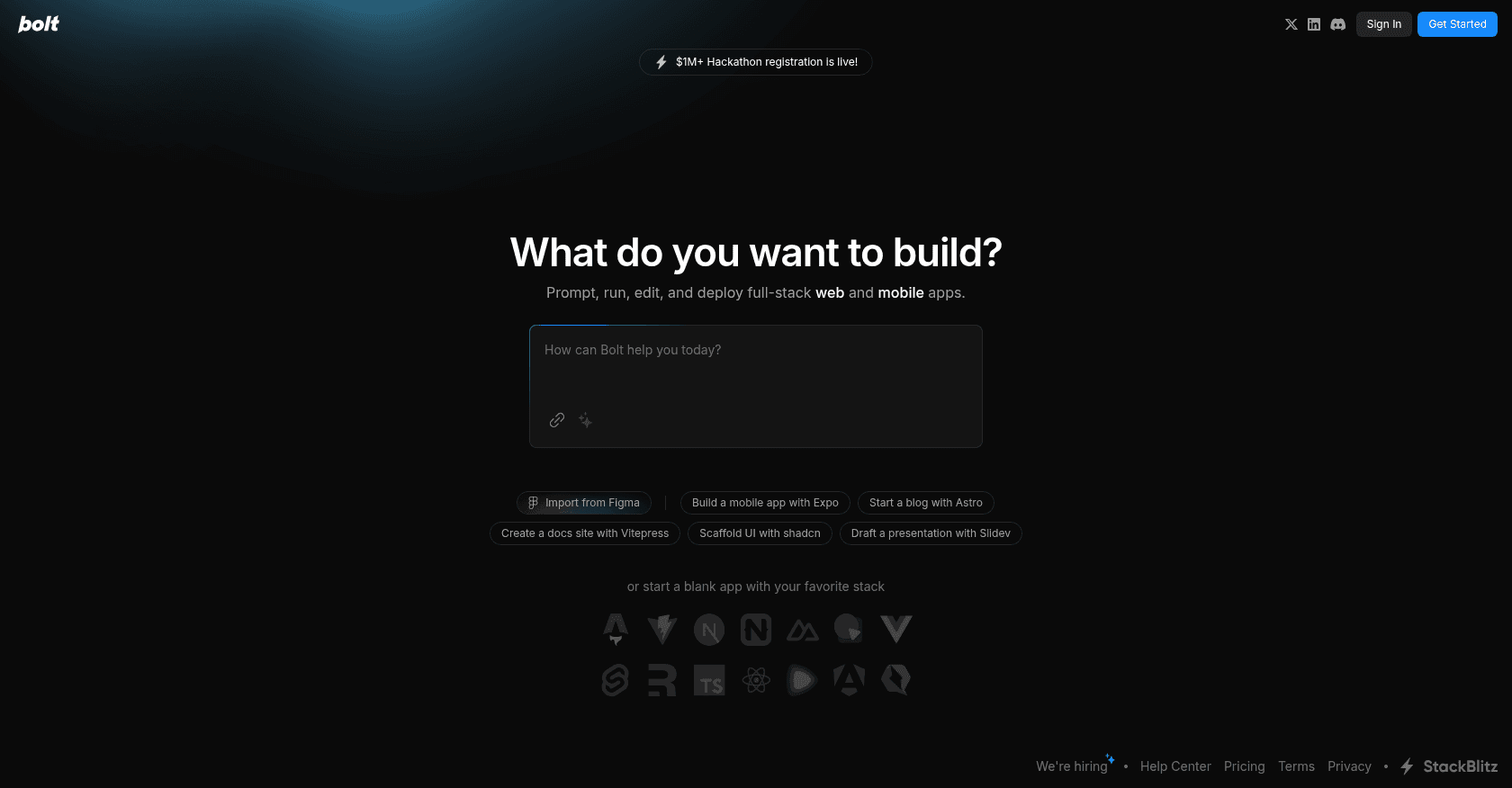
Screenshot of Bolt.new
Verified

Bolt.new

4.4 (187)

Bolt.new turns a plain-language description into a working web or mobile app, right in the browser. Built by StackBlitz, since rebranded as Bolt, the tool writes the code, installs dependencies, shows a live preview and deploys the result in one click. A spectacular gateway into app building, even with no development experience.

Website BuilderCode Generator
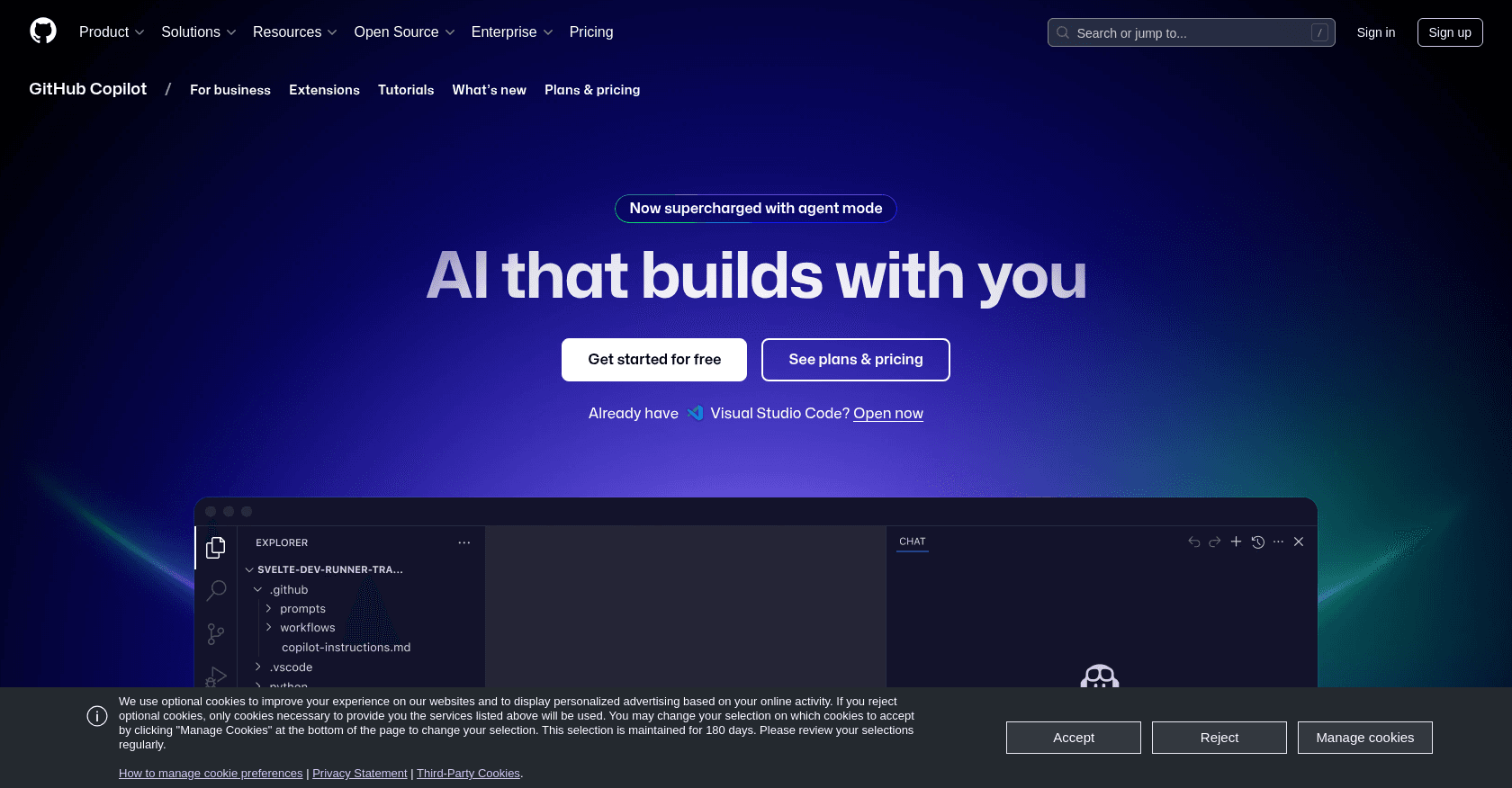
Screenshot of GitHub Copilot
Verified

GitHub Copilot

4.5 (566)

A pioneer of AI-powered coding assistance, GitHub Copilot suggests lines, entire functions and tests right inside your editor. Integrated with VS Code, JetBrains IDEs and GitHub itself, it draws on the best models on the market to speed up the daily work of millions of developers. Now a full-fledged agent platform, it can take on entire issues and open pull requests autonomously.

Code AssistantCode Generator

Comparison table

CriterionBolt.newGitHub Copilot
Average rating4.44.5
Number of reviews187566
Free planYesYes
PlansFree, Pro, TeamsFree, Pro, Business
CategoriesWebsite Builder, Code GeneratorCode Assistant, Code Generator
Last updatedJuly 8, 2026July 8, 2026

See all tools in these categories: Code Generator

Our verdict

Bolt.new or GitHub Copilot?

Bolt.new (4.4/5) and GitHub Copilot (4.5/5) earn very similar ratings from our community: the choice mostly comes down to your use case.

Budget-wise, both tools offer a free plan: you can try them before committing to a paid tier.

Positioning-wise, Bolt.new stands out in Website Builder, while GitHub Copilot focuses on Code Assistant.

Features head to head

Bolt.new

  • Generates complete web apps from a single prompt
  • Builds iOS and Android mobile apps via Expo
  • Full development environment running in the browser
  • Live preview with iterative edits through follow-up instructions
  • Support for popular frameworks (React, Next.js, Vue and more)
  • Native integrations: Figma, GitHub, Stripe, Supabase
  • One-click deployment and code export to GitHub

GitHub Copilot

  • Real-time code completion in the editor
  • Context-aware chat that knows your codebase
  • Agent mode capable of handling multi-file tasks
  • Autonomous coding agent that turns issues into pull requests
  • Choice of multiple models (GPT, Claude, Gemini)
  • Copilot CLI and desktop app for managing agents

Pricing compared

Bolt.new

Free

  • Limited daily token quota
  • Public and private projects
  • Preview and deployment included

Pro

  • $25 per month
  • 10 million tokens per month, with rollover
  • Custom domain and removal of Bolt branding

Teams

  • $30 per month per member
  • All Pro benefits
  • Centralized access management and admin controls

GitHub Copilot

Free

  • Limited access to the main features
  • Monthly allowance of AI credits
  • Automatic model selection

Pro

  • $10 per month, monthly AI credits included
  • Access to agent mode and advanced models
  • Free for verified students
  • Pro+ tier at $39 per month for a larger credit allowance

Business

  • $19 per user per month
  • Centralized license management
  • Code excluded from model training

Prices are indicative and may change — check the official sites for up-to-date pricing.

Frequently asked questions

What is the difference between Bolt.new and GitHub Copilot?

Both tools share the Code Generator space, but Bolt.new also covers Website Builder, while GitHub Copilot adds Code Assistant.

Bolt.new or GitHub Copilot: which one is rated higher?

The two tools are neck and neck: Bolt.new shows 4.4/5 (187 reviews) and GitHub Copilot 4.5/5 (566 reviews).

Can you use Bolt.new or GitHub Copilot for free?

Yes: both Bolt.new and GitHub Copilot offer a free plan to get started. Advanced features require their paid tiers.

Other comparisons