Browse AI vs Windsurf: which one to choose in 2026?

Community ratings, features, pricing and free plans: the complete head-to-head between Browse AI and Windsurf to find the right tool for your needs.

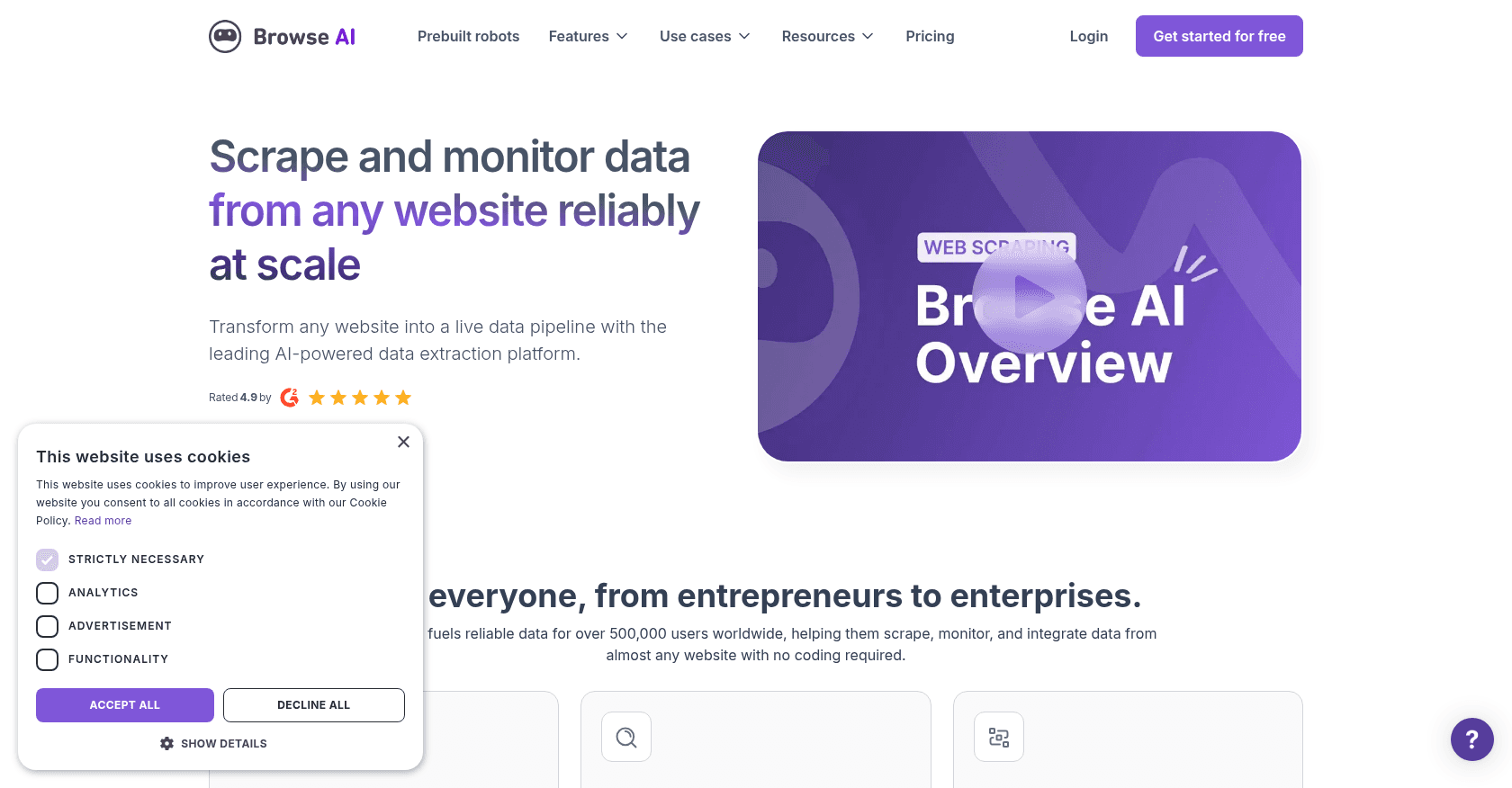
Screenshot of Browse AI
Verified

Browse AI

4.6 (68)

Browse AI is a no-code web scraping tool that allows users to easily extract and monitor data from any website. With a user-friendly interface, it enables the automation of data collection, turning websites into APIs, and monitoring changes in real-time. It's designed for individuals and businesses looking to collect data at scale without the need for coding skills.

No-Code&Low-CodeDeveloper ToolsResearch ToolWorkflow Management
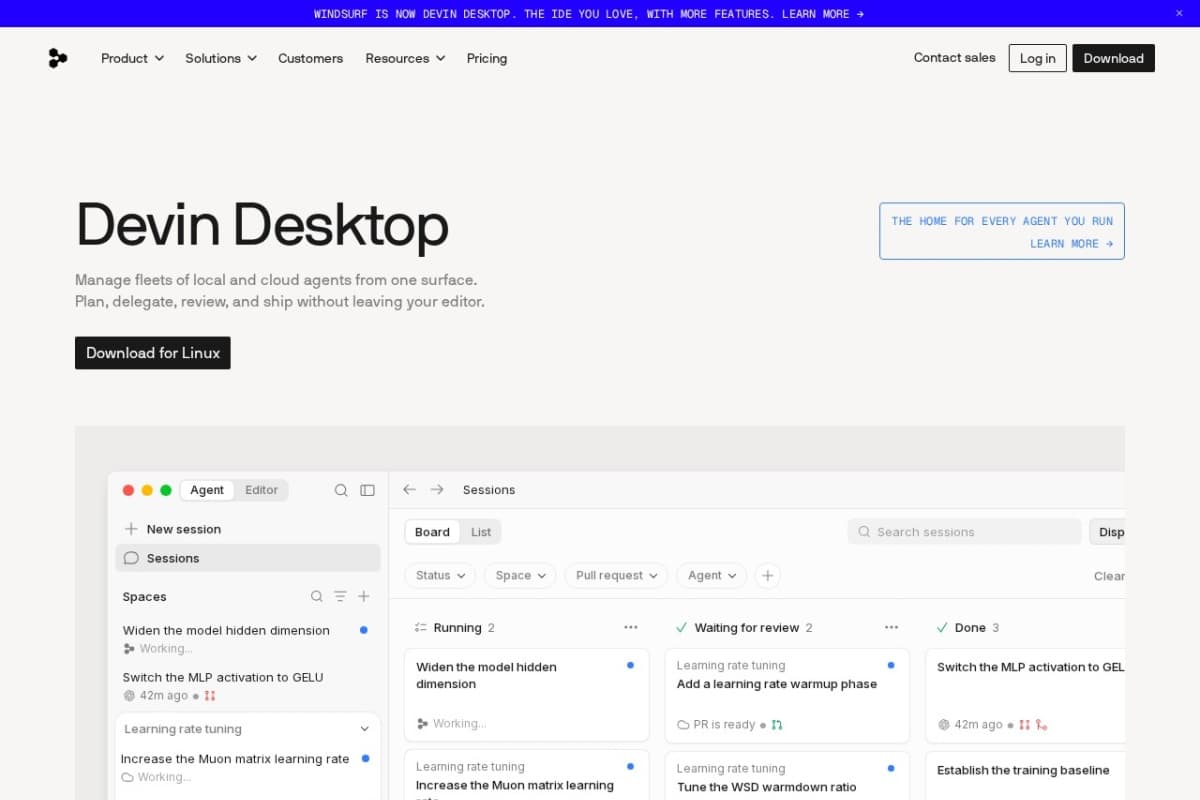
Screenshot of Windsurf
Verified

Windsurf

4.4 (167)

Windsurf is an agentic IDE created by Codeium and now owned by Cognition (the maker of Devin), which rebranded it as Devin Desktop in June 2026. Its local agent, Cascade — now Devin Local — analyzes your entire project, plans changes, edits multiple files and runs commands to carry out development tasks end to end. It stands out for its deep understanding of large codebases (Fast Context, Codemaps) and free access to its in-house SWE-1.6 model.

Code AssistantDeveloper Tools

Comparison table

CriterionBrowse AIWindsurf
Average rating4.64.4
Number of reviews68167
Free planYesYes
PlansFree Plan, Starter Plan - $39/month, Pro Plan - $79/monthFree, Pro, Max
CategoriesNo-Code&Low-Code, Developer Tools, Research Tool, Workflow ManagementCode Assistant, Developer Tools
Last updatedOctober 22, 2024July 8, 2026

See all tools in these categories: Developer Tools

Our verdict

Browse AI or Windsurf?

Browse AI (4.6/5) and Windsurf (4.4/5) earn very similar ratings from our community: the choice mostly comes down to your use case.

Budget-wise, both tools offer a free plan: you can try them before committing to a paid tier.

Positioning-wise, Browse AI stands out in No-Code&Low-Code, Research Tool and Workflow Management, while Windsurf focuses on Code Assistant.

Features head to head

Browse AI

  • No-code web scraping and data extraction
  • Real-time website monitoring for changes
  • Prebuilt robots for popular websites
  • Automated pagination and captcha handling
  • Bulk data extraction and scheduling
  • Integrations with Google Sheets, Airtable, and more
  • API access for custom data pipelines

Windsurf

  • Devin Local agent (formerly Cascade): whole-project understanding, multi-file edits and command execution
  • Plan mode and parallel agent sessions to tackle several tasks at once
  • Supercomplete and Tab completions included even on the free tier
  • Codemaps and Fast Context to map and navigate large codebases
  • Memories and custom rules to remember your project conventions and preferences

Pricing compared

Browse AI

Free Plan

  • 2 robots
  • Up to 1000 credits/month
  • Limited monitoring and extraction

Starter Plan - $39/month

  • 10 robots
  • 10,000 credits/month
  • Custom schedules
  • Basic integrations

Pro Plan - $79/month

  • Unlimited robots
  • 25,000 credits/month
  • Advanced monitoring features
  • API access

Windsurf

Free

  • Light agent usage quota
  • Tab and Supercomplete completions
  • Unlimited access to the in-house SWE-1.6 model

Pro

  • $20 per month
  • Larger quotas and frontier models (OpenAI, Anthropic, Google)
  • Access to the accelerated version of SWE-1.6

Max

  • $200 per month
  • Substantially higher quotas than the Pro plan
  • All Pro plan features included

Prices are indicative and may change — check the official sites for up-to-date pricing.

Frequently asked questions

What is the difference between Browse AI and Windsurf?

Both tools share the Developer Tools space, but Browse AI also covers No-Code&Low-Code, Research Tool and Workflow Management, while Windsurf adds Code Assistant.

Browse AI or Windsurf: which one is rated higher?

The two tools are neck and neck: Browse AI shows 4.6/5 (68 reviews) and Windsurf 4.4/5 (167 reviews).

Can you use Browse AI or Windsurf for free?

Yes: both Browse AI and Windsurf offer a free plan to get started. Advanced features require their paid tiers.

Other comparisons