Kling AI vs SendShort: which one to choose in 2026?

Community ratings, features, pricing and free plans: the complete head-to-head between Kling AI and SendShort to find the right tool for your needs.

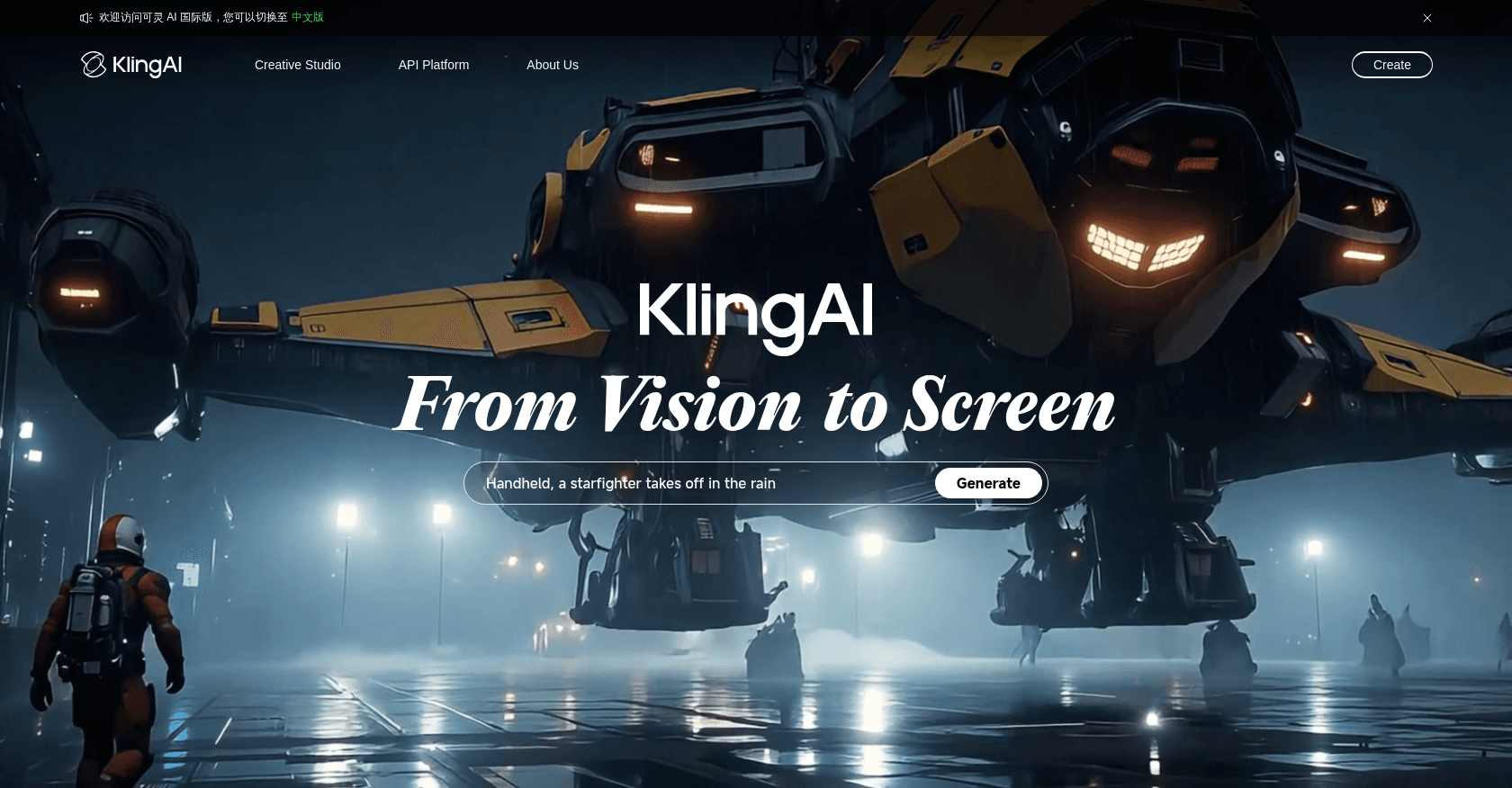
Screenshot of Kling AI
Verified

Kling AI

4.3 (154)

Built by Chinese tech giant Kuaishou, Kling AI ranks among the most impressive video generators around right now. It produces footage with remarkably believable motion physics from a text prompt or an image, and offers advanced features such as trajectory control and special effects. Since early 2026, its Kling 3.0 model has generated videos in native 4K with a synchronized soundtrack.

Text to Video
Screenshot of SendShort
Verified

SendShort

4.3 (194)

SendShort is an AI-powered platform that automates the creation of short-form videos from long-form content. It enables users to generate engaging, platform-optimized videos with features like faceless video generation, AI voiceovers, automatic B-roll integration, and multilingual subtitles, streamlining the video production process for creators and marketers.

Text to VideoShort Clips GeneratorVideo EditorText-to-SpeechSpeech-to-TextRepurpose AssistantMarketing Plan Generator

Comparison table

CriterionKling AISendShort
Average rating4.34.3
Number of reviews154194
Free planYesYes
PlansFree, Standard, ProFree Plan, Subtitles Pro - $19/month, Advanced - $29/month, Expert - $59/month, Enterprise Plan
CategoriesText to VideoText to Video, Short Clips Generator, Video Editor, Text-to-Speech, Speech-to-Text, Repurpose Assistant, Marketing Plan Generator
Last updatedJuly 8, 2026April 18, 2025

See all tools in these categories: Text to Video

Our verdict

Kling AI or SendShort?

Kling AI (4.3/5) and SendShort (4.3/5) earn very similar ratings from our community: the choice mostly comes down to your use case.

Budget-wise, both tools offer a free plan: you can try them before committing to a paid tier.

SendShort also covers Short Clips Generator, Video Editor, Text-to-Speech, Speech-to-Text, Repurpose Assistant and Marketing Plan Generator, ground that Kling AI does not directly address.

Features head to head

Kling AI

  • Videos up to native 4K at 60 fps with realistic physics
  • Generation from text or images
  • Synchronized soundtrack and voices generated alongside the visuals (Kling 3.0)
  • Professional mode for higher quality
  • Video extension up to several minutes
  • Free credits refreshed daily

SendShort

  • AI-powered short video generation from long-form content
  • Faceless video creation with AI-generated visuals
  • Automatic B-roll footage integration
  • AI-generated voiceovers in multiple languages
  • Auto-generated and customizable subtitles with translation support
  • Video repurposing tools for various social media platforms
  • Scheduling and publishing capabilities for multiple platforms
  • Analytics dashboard for performance tracking

Pricing compared

Kling AI

Free

  • Free daily credits
  • Standard-quality generation
  • Watermark on exports

Standard

  • Around $10 per month
  • 660 monthly credits
  • Professional mode and watermark-free exports

Pro

  • Around $37 per month
  • 3,000 monthly credits
  • Priority generation

SendShort

Free Plan

  • Up to 3 videos per month
  • Watermarked videos
  • Access to basic editing tools
  • 200 MB per video limit

Subtitles Pro - $19/month

  • 100 short videos with subtitles per month
  • Cropping of long videos
  • Max duration of 1 min 30s per video
  • Up to 300 MB per video
  • Music and sound effects import
  • B-roll insertion
  • Import your own images
  • Faceless video creation: 4 per week

Advanced - $29/month

  • All Subtitles Pro features
  • Max duration of 2 minutes per video
  • 30 short videos generated from long videos per month
  • Automatic vertical cropping (9:16)
  • Up to 1 GB and 2 hours per long video
  • Upload long videos via local file or YouTube link
  • Faceless video creation: 10 per week

Expert - $59/month

  • All Advanced features
  • Max duration of 3 minutes per video
  • 100 short videos generated from long videos per month
  • Scheduling and publishing on all platforms (YouTube, TikTok, Instagram, etc.)
  • Content performance analytics
  • Faceless video creation: 30 per week

Enterprise Plan

  • Tailored solutions for specific needs
  • Dedicated support
  • Custom features
  • Contact SendShort for pricing

Prices are indicative and may change — check the official sites for up-to-date pricing.

Frequently asked questions

What is the difference between Kling AI and SendShort?

Both tools share the Text to Video space, but SendShort adds Short Clips Generator, Video Editor, Text-to-Speech, Speech-to-Text, Repurpose Assistant and Marketing Plan Generator.

Kling AI or SendShort: which one is rated higher?

The two tools are neck and neck: Kling AI shows 4.3/5 (154 reviews) and SendShort 4.3/5 (194 reviews).

Can you use Kling AI or SendShort for free?

Yes: both Kling AI and SendShort offer a free plan to get started. Advanced features require their paid tiers.

Other comparisons