Kling AI vs Pika: which one to choose in 2026?

Community ratings, features, pricing and free plans: the complete head-to-head between Kling AI and Pika to find the right tool for your needs.

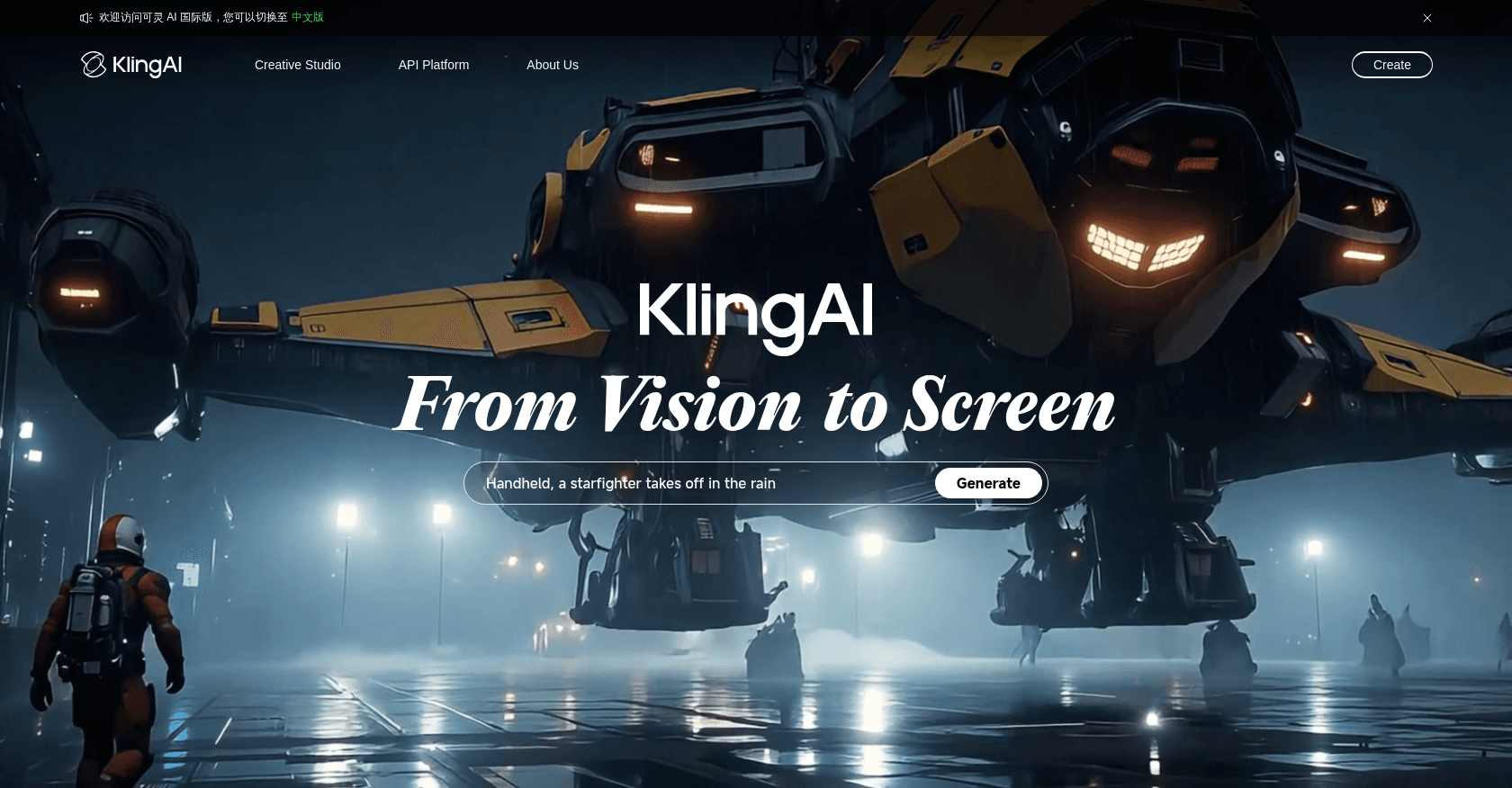
Screenshot of Kling AI
Verified

Kling AI

4.3 (154)

Built by Chinese tech giant Kuaishou, Kling AI ranks among the most impressive video generators around right now. It produces footage with remarkably believable motion physics from a text prompt or an image, and offers advanced features such as trajectory control and special effects. Since early 2026, its Kling 3.0 model has generated videos in native 4K with a synchronized soundtrack.

Text to Video
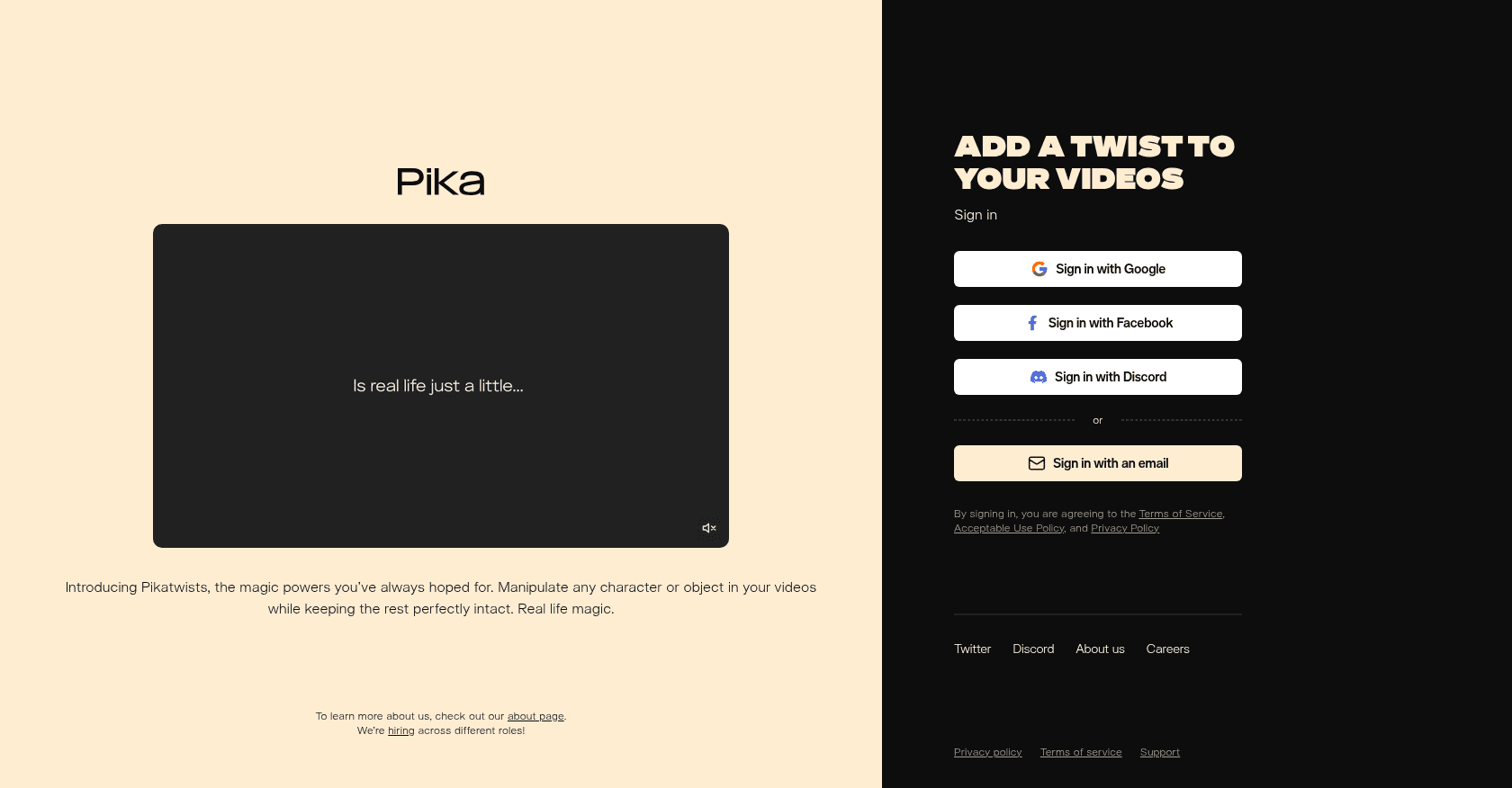
Screenshot of Pika
Verified

Pika

4.6 (235)

Pika is an innovative AI-powered video creation platform that allows users to generate dynamic videos from text, images, or existing videos. It offers a wide range of creative tools, including text-to-video, image-to-video, and video editing features, making video production accessible to content creators, marketers, and educators.

Text to VideoVideo EditorPhoto & Image EditorPhoto & Image Generator

Comparison table

CriterionKling AIPika
Average rating4.34.6
Number of reviews154235
Free planYesYes
PlansFree, Standard, ProFree Basic Plan - $0, Standard Plan - $10/month, Unlimited Plan - $35/month, Pro Plan - $70/month
CategoriesText to VideoText to Video, Video Editor, Photo & Image Editor, Photo & Image Generator
Last updatedJuly 8, 2026October 1, 2024

See all tools in these categories: Text to Video

Our verdict

Kling AI or Pika?

With an average rating of 4.6/5 (235 reviews), Pika comes out ahead of Kling AI (4.3/5, 154 reviews) with our community.

Budget-wise, both tools offer a free plan: you can try them before committing to a paid tier.

Pika also covers Video Editor, Photo & Image Editor and Photo & Image Generator, ground that Kling AI does not directly address.

Features head to head

Kling AI

  • Videos up to native 4K at 60 fps with realistic physics
  • Generation from text or images
  • Synchronized soundtrack and voices generated alongside the visuals (Kling 3.0)
  • Professional mode for higher quality
  • Video extension up to several minutes
  • Free credits refreshed daily

Pika

  • Text-to-video generation
  • Image-to-video animation
  • Video-to-video modification
  • Lip sync audio generation
  • Customizable video editing tools

Pricing compared

Kling AI

Free

  • Free daily credits
  • Standard-quality generation
  • Watermark on exports

Standard

  • Around $10 per month
  • 660 monthly credits
  • Professional mode and watermark-free exports

Pro

  • Around $37 per month
  • 3,000 monthly credits
  • Priority generation

Pika

Free Basic Plan - $0

  • 250 initial credits
  • 30 credits refilled daily
  • Limited video generation with watermarks

Standard Plan - $10/month

  • 700 credits per month
  • 30 daily credits
  • No watermarks
  • Lip sync audio generation
  • Downloadable videos

Unlimited Plan - $35/month

  • Unlimited Chill generations
  • 2,000 credits per month
  • No watermarks
  • All Standard Plan features

Pro Plan - $70/month

  • Unlimited Lightning generations
  • Infinite credits
  • Commercial usage rights
  • Early access to new features

Prices are indicative and may change — check the official sites for up-to-date pricing.

Frequently asked questions

What is the difference between Kling AI and Pika?

Both tools share the Text to Video space, but Pika adds Video Editor, Photo & Image Editor and Photo & Image Generator.

Kling AI or Pika: which one is rated higher?

Pika earns the better average rating: 4.6/5 (235 reviews), versus 4.3/5 (154 reviews) for Kling AI.

Can you use Kling AI or Pika for free?

Yes: both Kling AI and Pika offer a free plan to get started. Advanced features require their paid tiers.

Other comparisons