
Gamma vs KREA: which one to choose in 2026?

Community ratings, features, pricing and free plans: the complete head-to-head between Gamma and KREA to find the right tool for your needs.

Screenshot of Gamma
Verified

Gamma

4.6 (342)

Gamma generates polished presentations in seconds from a simple topic or an existing document. No more hours spent on layout: the tool structures the content, picks the visuals and applies a consistent design, which you can then fine-tune card by card. It also creates documents, web pages and social media visuals.

Presentation Generator
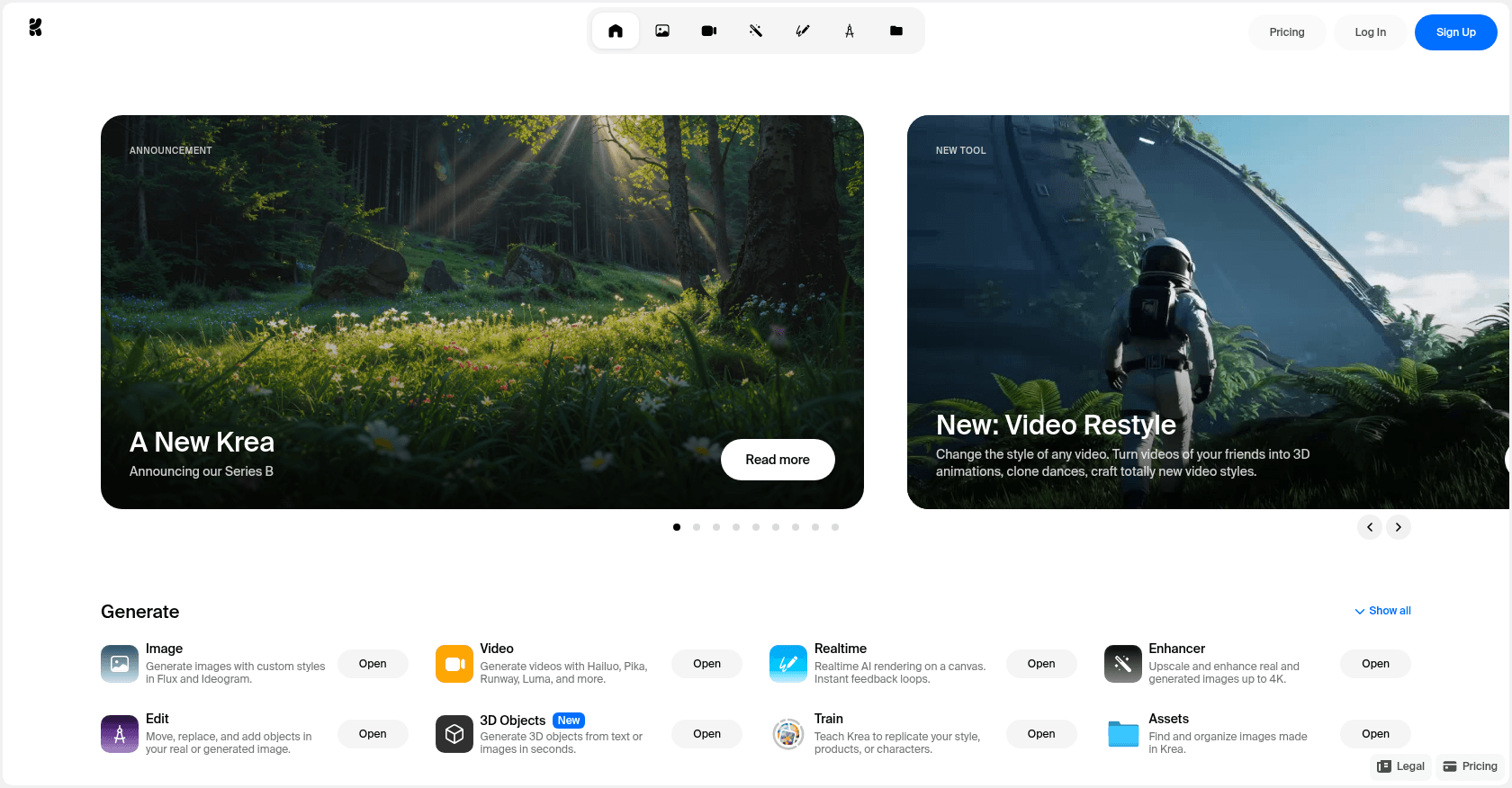
Screenshot of KREA
Verified

KREA

4.0 (72)

KREA is an AI-powered platform designed for creating high-quality images and art from text prompts. It caters to both creative professionals and businesses, offering a variety of tools to generate visual content quickly and efficiently. Users can explore and experiment with AI-generated images, making it ideal for creative design, advertising, and content generation purposes.

Text to ImagePhoto & Image GeneratorArt GeneratorDesign GeneratorContent GeneratorGraphic Design

Comparison table

CriterionGammaKREA
Average rating4.64.0
Number of reviews34272
Free planYesYes
PlansFree, Plus, ProFree Plan, Paid Plans
CategoriesPresentation GeneratorText to Image, Photo & Image Generator, Art Generator, Design Generator, Content Generator, Graphic Design
Last updatedJuly 8, 2026September 27, 2024

Our verdict

Gamma or KREA?

With an average rating of 4.6/5 (342 reviews), Gamma comes out ahead of KREA (4.0/5, 72 reviews) with our community.

Budget-wise, both tools offer a free plan: you can try them before committing to a paid tier.

Positioning-wise, Gamma stands out in Presentation Generator, while KREA focuses on Text to Image, Photo & Image Generator, Art Generator, Design Generator, Content Generator and Graphic Design.

Features head to head

Gamma

  • Full presentation generation from a single topic
  • AI agent (Gamma 3.0) that reworks the entire presentation from a simple instruction
  • Import of Word, PDF or Notion documents as a starting point
  • Customizable professional themes
  • Creation of web pages, documents and social media visuals
  • API to automate content generation
  • Export to PowerPoint and PDF

KREA

  • Text to Image Generation: Create custom visuals from simple text descriptions.
  • Explore AI Art: Access a diverse gallery of AI-generated artwork.
  • Customization Options: Refine the AI output with additional specifications.
  • Image Download: Easily download generated images for personal or professional use.

Pricing compared

Gamma

Free

  • 400 free AI credits (non-renewing)
  • Basic cards and themes
  • Gamma watermark on exports

Plus

  • $9 per month (billed annually)
  • 1,000 AI credits refilled every month
  • Watermark removal
  • Unlimited exports

Pro

  • $18 per month (billed annually)
  • 4,000 AI credits refilled every month
  • Advanced AI models and premium images
  • Access to the Gamma API

KREA

Free Plan

  • Limited access with a set number of image generations.

Paid Plans

  • Tiered options offering more image generations
  • Higher resolution downloads
  • Commercial-use licenses

Prices are indicative and may change — check the official sites for up-to-date pricing.

Frequently asked questions

What is the difference between Gamma and KREA?

Gamma is a tool focused on Presentation Generator, while KREA specializes in Text to Image, Photo & Image Generator, Art Generator, Design Generator, Content Generator and Graphic Design: they answer different needs.

Gamma or KREA: which one is rated higher?

Gamma earns the better average rating: 4.6/5 (342 reviews), versus 4.0/5 (72 reviews) for KREA.

Can you use Gamma or KREA for free?

Yes: both Gamma and KREA offer a free plan to get started. Advanced features require their paid tiers.

Other comparisons