Cursor vs Relay.app: which one to choose in 2026?

Community ratings, features, pricing and free plans: the complete head-to-head between Cursor and Relay.app to find the right tool for your needs.

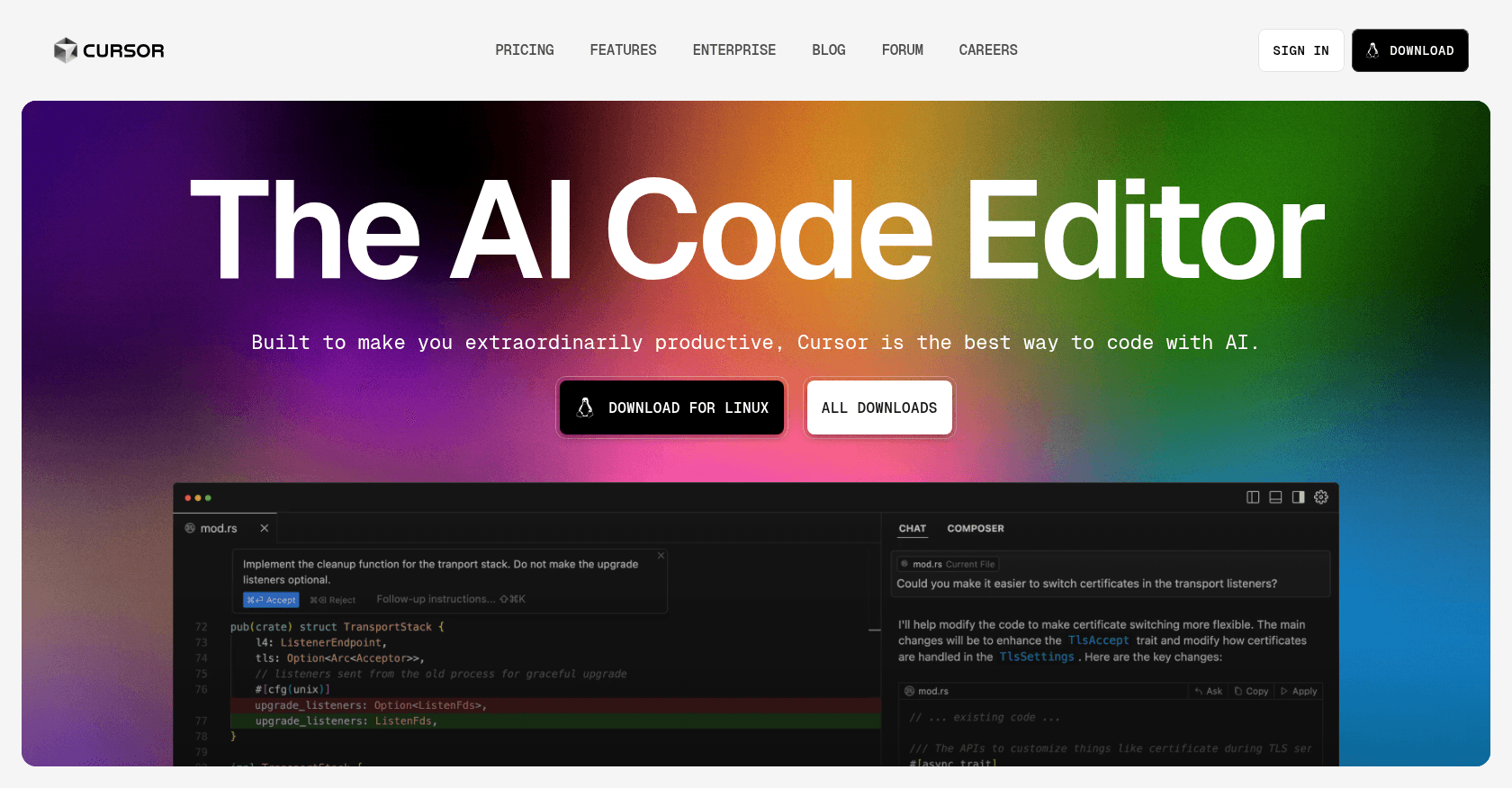
Screenshot of Cursor
Verified

Cursor

4.7 (493)

Cursor reinvents the code editor by putting AI at the heart of the development experience. Built on top of VS Code, it lets you edit multiple files at once using natural language, chat with your entire project, and hand off complete tasks to autonomous agents. Since version 2.0, its in-house Composer model and multi-agent interface make it possible to run several tasks in parallel.

Code AssistantDeveloper Tools
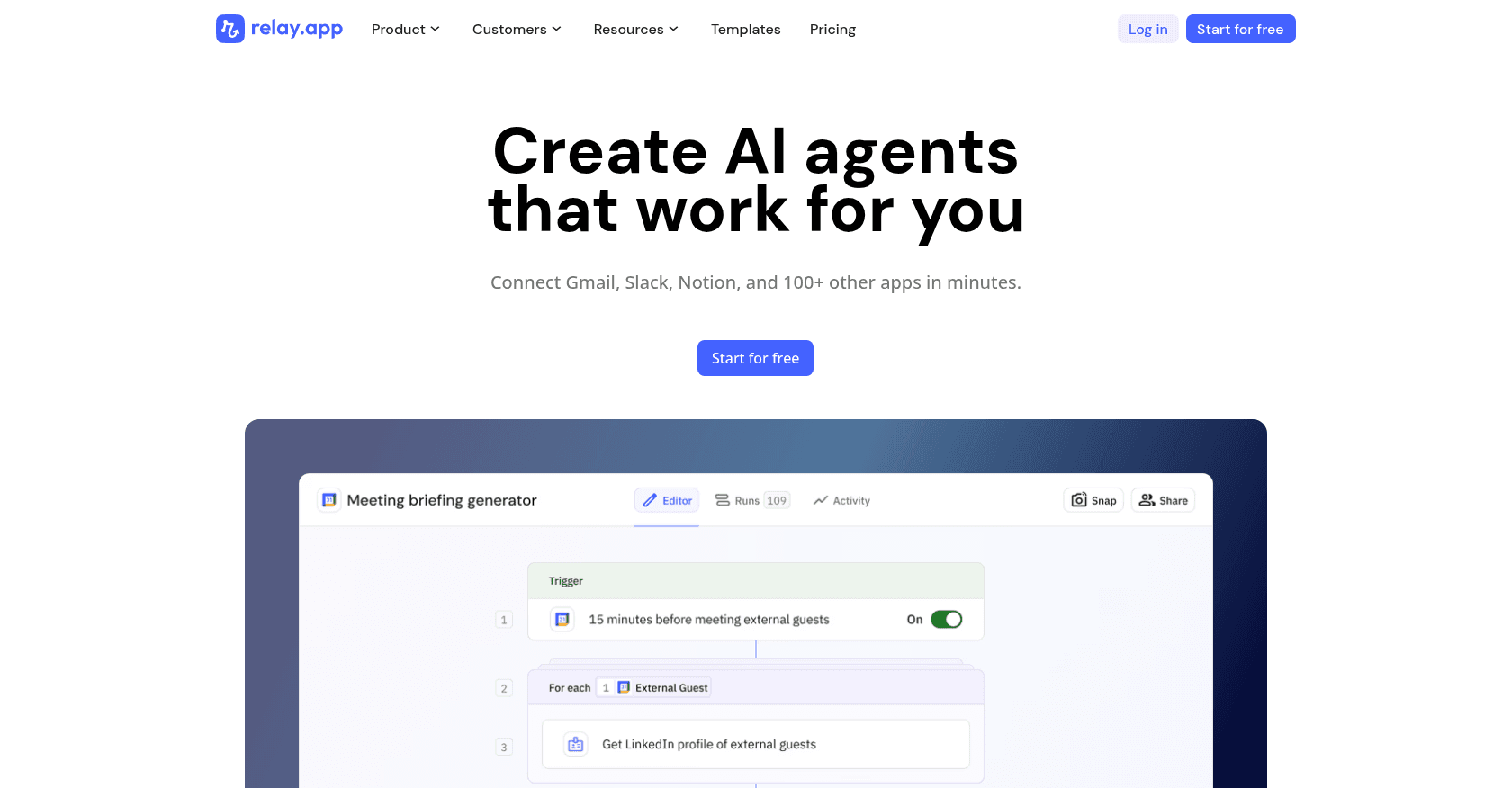
Screenshot of Relay.app
Verified

Relay.app

4.2 (114)

Relay.app is a modern workflow automation platform that combines AI-powered automation with human-in-the-loop collaboration. It enables users to build and run automated workflows across over 100 applications, incorporating AI actions, custom prompts, and human approvals to streamline business processes.

Workflow ManagementTask ManagementProject ManagementAutomationAgentsNo-Code&Low-Code

Comparison table

CriterionCursorRelay.app
Average rating4.74.2
Number of reviews493114
Free planNoYes
PlansHobby, Pro, TeamsFree Plan, Professional Plan - $9/month, Team Plan - $59/month, Enterprise Plan - Custom Pricing
CategoriesCode Assistant, Developer ToolsWorkflow Management, Task Management, Project Management, Automation, Agents, No-Code&Low-Code
Last updatedJuly 8, 2026July 9, 2026

Our verdict

Cursor or Relay.app?

With an average rating of 4.7/5 (493 reviews), Cursor comes out ahead of Relay.app (4.2/5, 114 reviews) with our community.

Budget-wise, Relay.app offers a free plan to get started, while Cursor does not appear to offer one.

Positioning-wise, Cursor stands out in Code Assistant and Developer Tools, while Relay.app focuses on Workflow Management, Task Management, Project Management, Automation, Agents and No-Code&Low-Code.

Features head to head

Cursor

  • Full-featured editor based on VS Code, compatible with your extensions
  • Agent mode that carries out multi-file tasks end to end
  • Composer, an in-house coding model built for speed and agentic tasks
  • Multi-agent interface: up to eight agents running in parallel in isolated workspaces
  • Predictive completion that anticipates your next edits
  • Chat with full project indexing
  • Support for all the leading models on the market

Relay.app

  • AI-powered automation with built-in actions like summarization, translation, and data extraction
  • Custom prompts and mini AI agents for flexible automation
  • Human-in-the-loop steps for approvals, data entry, and decision-making
  • Over 100 integrations with popular applications such as Gmail, Notion, HubSpot, Slack, and more
  • Real-time data monitoring and live updates within workflows
  • Flow control mechanisms including conditional paths, iterators, and wait steps
  • Webhooks for triggering workflows and integrating with external systems
  • Collaborative workflow building with team-based role assignments

Pricing compared

Cursor

Hobby

  • Free
  • Limited quota of AI requests
  • Basic completions and chat

Pro

  • $20 per month
  • Extended agent mode usage
  • Access to the most capable models
  • Unlimited completions
  • Pro+ ($60) and Ultra ($200) tiers for heavy usage

Teams

  • $40 per user per month
  • Privacy mode enforced across the whole team
  • Centralized admin and billing

Relay.app

Free Plan

  • 200 automated steps per month
  • 500 AI credits per month
  • Access to all workflow automation features
  • Over 100 app integrations
  • Community support

Professional Plan - $9/month

  • 1,500 automated steps per month
  • 1,000 AI credits per month
  • All features from the Free Plan
  • Priority support

Team Plan - $59/month

  • 5,000 automated steps per month
  • 2,000 AI credits per month
  • Unlimited team members
  • Advanced collaboration features
  • Dedicated support channel

Enterprise Plan - Custom Pricing

  • Custom number of automated steps and AI credits
  • Tailored integrations and security requirements
  • Dedicated account manager
  • Custom onboarding and training
  • 24/7 premium support

Prices are indicative and may change — check the official sites for up-to-date pricing.

Frequently asked questions

What is the difference between Cursor and Relay.app?

Cursor is a tool focused on Code Assistant and Developer Tools, while Relay.app specializes in Workflow Management, Task Management, Project Management, Automation, Agents and No-Code&Low-Code: they answer different needs.

Cursor or Relay.app: which one is rated higher?

Cursor earns the better average rating: 4.7/5 (493 reviews), versus 4.2/5 (114 reviews) for Relay.app.

Can you use Cursor or Relay.app for free?

Cursor does not offer a free plan as far as we know, and Relay.app offers a free plan.

Other comparisons