Collov AI vs Meshy: which one to choose in 2026?

Community ratings, features, pricing and free plans: the complete head-to-head between Collov AI and Meshy to find the right tool for your needs.

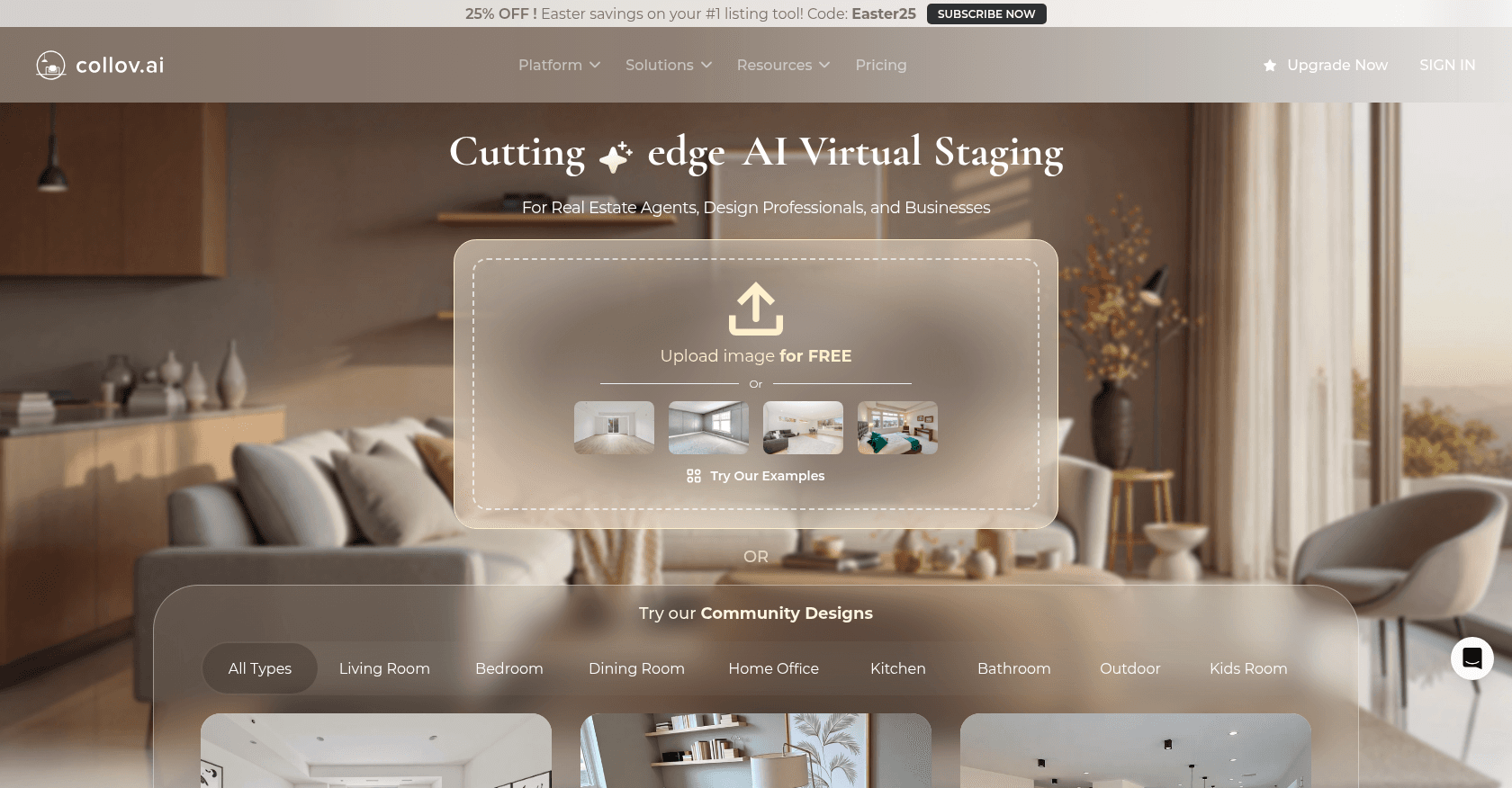
Screenshot of Collov AI
Verified

Collov AI

4.5 (183)

Collov AI is an AI-powered interior design platform that enables users to virtually stage and redesign spaces with photorealistic visuals. It caters to real estate professionals, interior designers, and homeowners by providing tools for virtual staging, cabinet redesign, and material customization.

Interior & Room DesignPhoto & Image GeneratorDesign GeneratorArt Generator

Screenshot of Meshy
Verified

Meshy

4.7 (218)

Meshy is an AI-powered 3D model generator that transforms text prompts and images into detailed 3D models, textures, and animations. Designed for creators across gaming, XR, 3D printing, and digital art, Meshy streamlines the 3D content creation process with speed and ease.

3D Model Generator3D DesignPhoto & Image GeneratorText to ImageArt Generator

Comparison table

CriterionCollov AIMeshy
Average rating4.54.7
Number of reviews183218
Free planNoYes
PlansStandard - $16/month, Advanced - $39/month, Premium - $225/month, Enterprise - Custom PricingFree, Pro - $16/month, Max - $48/month, Max Unlimited - $96/month
CategoriesInterior & Room Design, Photo & Image Generator, Design Generator, Art Generator3D Model Generator, 3D Design, Photo & Image Generator, Text to Image, Art Generator
Last updatedApril 18, 2025April 18, 2025

See all tools in these categories: Photo & Image Generator, Art Generator

Our verdict

Collov AI or Meshy?

With an average rating of 4.7/5 (218 reviews), Meshy comes out ahead of Collov AI (4.5/5, 183 reviews) with our community.

Budget-wise, Meshy offers a free plan to get started, while Collov AI does not appear to offer one.

Positioning-wise, Collov AI stands out in Interior & Room Design and Design Generator, while Meshy focuses on 3D Model Generator, 3D Design and Text to Image.

Features head to head

Collov AI

  • AI-powered virtual staging with photorealistic results
  • Real-time editing of furniture, walls, floors, and cabinets
  • Cabinet redesign feature for kitchen transformations
  • High-resolution image downloads
  • Fast processing with results in approximately 10 seconds
  • Commercial license for generated images
  • Access to various room types and design styles
  • Chat-based editing assistant
  • Furniture removal and replacement
  • API access for enterprise integrations

Meshy

  • Text to 3D model generation
  • Image to 3D model conversion
  • Text to Texture for existing models
  • Rigging and animation tools
  • Support for multiple art styles (realistic, cartoon, voxel, etc.)
  • Export in various 3D formats (FBX, OBJ, USDZ, GLB, STL, BLEND)
  • API integration for custom workflows
  • Multilingual interface support
  • Community model sharing and downloads
  • Plugins for Blender and Unity

Pricing compared

Collov AI

Standard - $16/month

  • 60 photos per month
  • No watermarks
  • Access to all room types and styles
  • Commercial license
  • Furniture removal
  • One-click virtual staging disclaimer
  • 10 seconds turnaround
  • 10 free regenerations
  • High-resolution downloads
  • Wall, floor, countertop, and cabinet replacement (Beta)
  • Furniture editing
  • Chat editing

Advanced - $39/month

  • 150 photos per month
  • All features included in Standard plan

Premium - $225/month

  • 1,000 photos per month
  • All features included in Advanced plan
  • Dedicated customer support

Enterprise - Custom Pricing

  • Customized photo quantity
  • All features included in Premium plan
  • API access
  • Website integration
  • High-performance services

Meshy

Free

  • 200 credits per month
  • 1 task in queue
  • Limited queue priority
  • Assets under CC BY 4.0 license
  • API access

Pro - $16/month

  • 1,000 credits per month
  • 10 tasks in queue
  • Standard queue priority
  • Private and customer-owned assets
  • API access
  • AI texture editing
  • Download community models
  • Animation features

Max - $48/month

  • 4,000 credits per month
  • 20 tasks in queue
  • Maximized queue priority
  • Private and customer-owned assets
  • API access
  • AI texture editing
  • Download community models
  • Animation features

Max Unlimited - $96/month

  • Everything in Max plan
  • Unlimited relaxed generations after credits are used
  • Unlimited downloads

Prices are indicative and may change — check the official sites for up-to-date pricing.

Frequently asked questions

What is the difference between Collov AI and Meshy?

Both tools share the Photo & Image Generator and Art Generator space, but Collov AI also covers Interior & Room Design and Design Generator, while Meshy adds 3D Model Generator, 3D Design and Text to Image.

Collov AI or Meshy: which one is rated higher?

Meshy earns the better average rating: 4.7/5 (218 reviews), versus 4.5/5 (183 reviews) for Collov AI.

Can you use Collov AI or Meshy for free?

Collov AI does not offer a free plan as far as we know, and Meshy offers a free plan.

Other comparisons