Browse AI vs Runpod: which one to choose in 2026?

Community ratings, features, pricing and free plans: the complete head-to-head between Browse AI and Runpod to find the right tool for your needs.

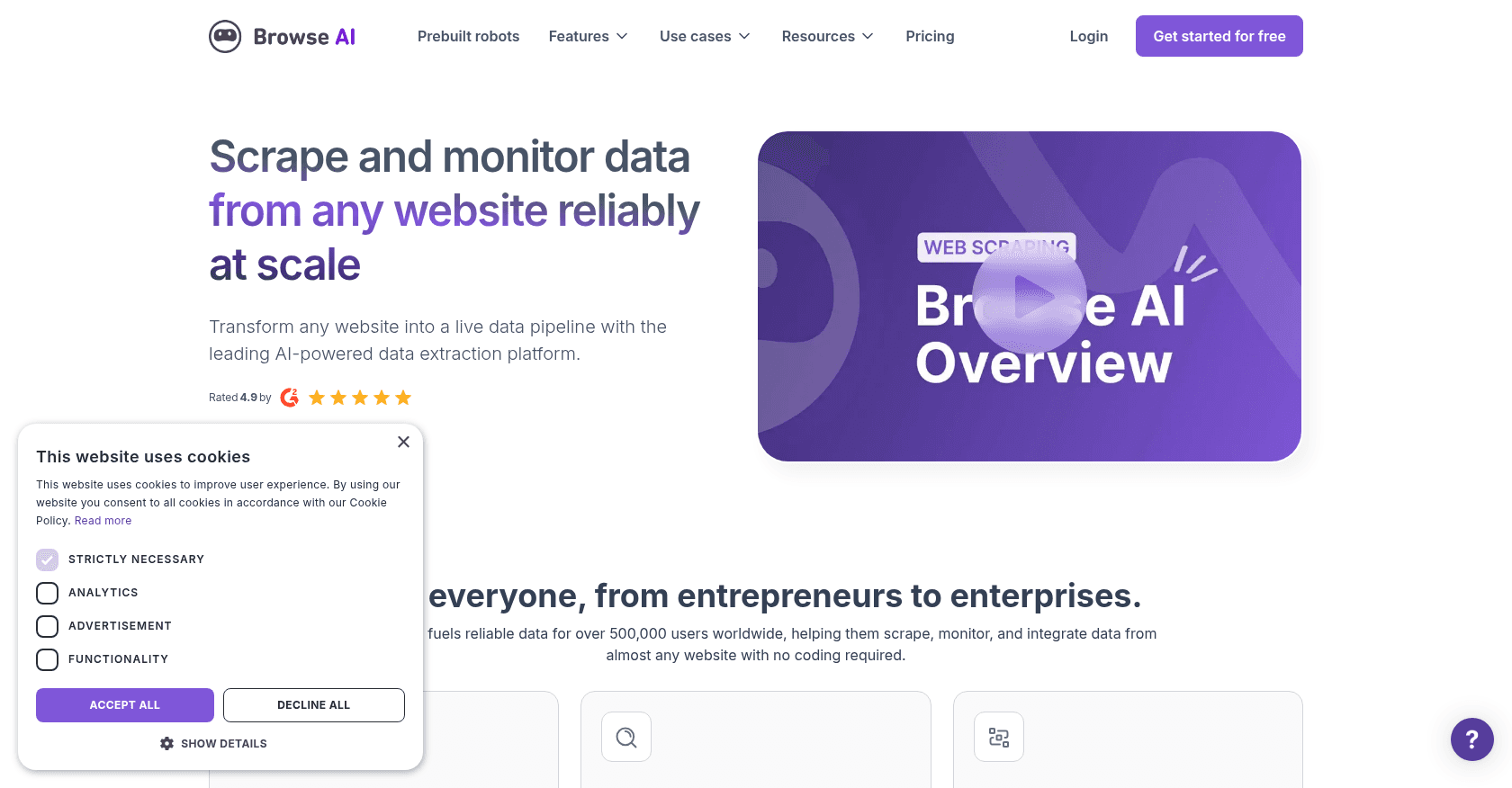
Screenshot of Browse AI
Verified

Browse AI

4.6 (68)

Browse AI is a no-code web scraping tool that allows users to easily extract and monitor data from any website. With a user-friendly interface, it enables the automation of data collection, turning websites into APIs, and monitoring changes in real-time. It's designed for individuals and businesses looking to collect data at scale without the need for coding skills.

No-Code&Low-CodeDeveloper ToolsResearch ToolWorkflow Management
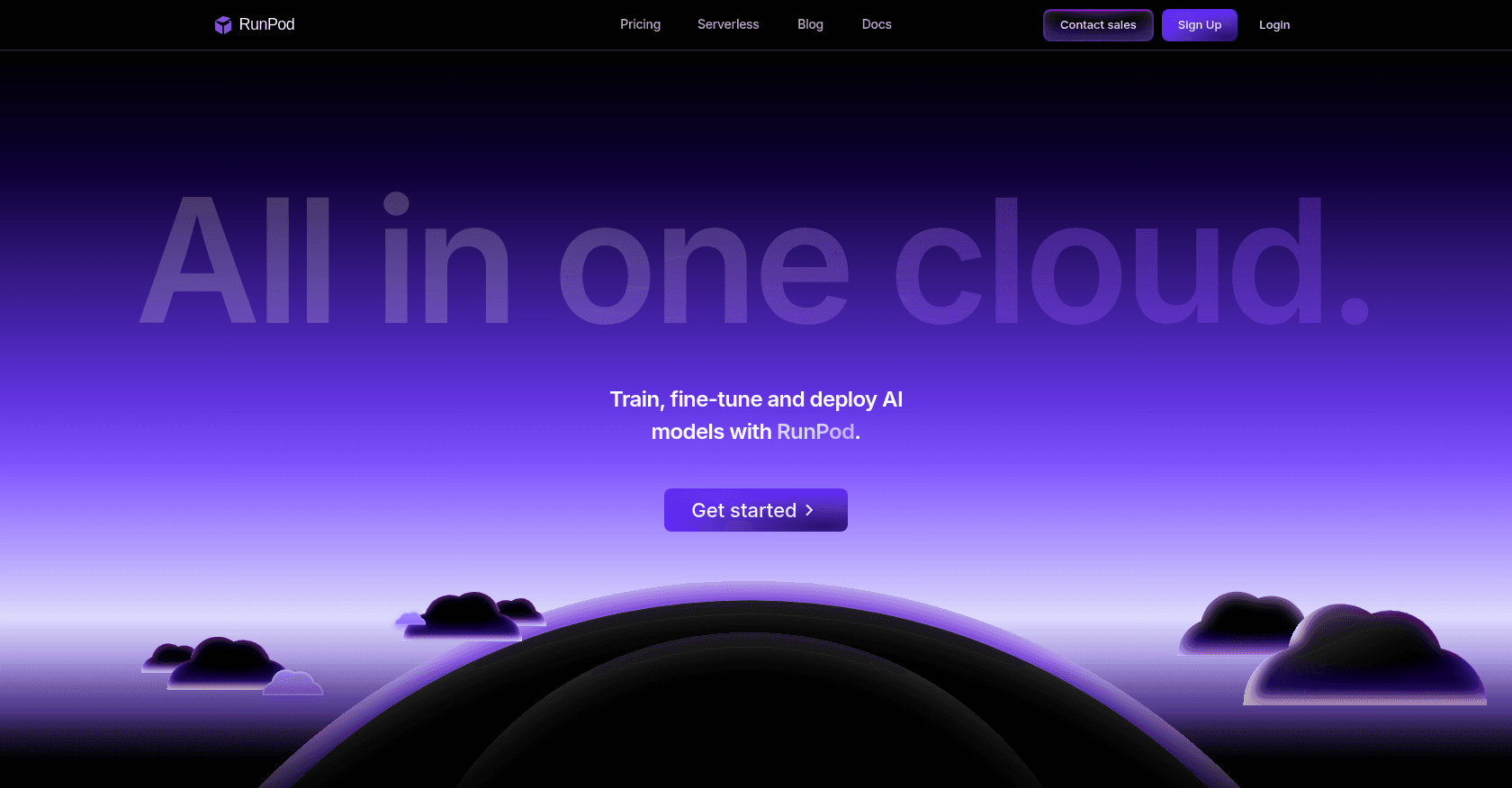
Screenshot of Runpod
Verified

Runpod

4.7 (99)

Runpod is a cloud platform that provides on-demand access to GPU-powered compute resources for machine learning, data science, and other computational tasks. It enables users to quickly spin up cloud instances with powerful GPUs, allowing for efficient training and deployment of AI models.

Developer Tools

Comparison table

CriterionBrowse AIRunpod
Average rating4.64.7
Number of reviews6899
Free planYesNo
PlansFree Plan, Starter Plan - $39/month, Pro Plan - $79/monthPay-As-You-Go, Reserved Instances - Custom Pricing, Enterprise Solutions - Custom Pricing
CategoriesNo-Code&Low-Code, Developer Tools, Research Tool, Workflow ManagementDeveloper Tools
Last updatedOctober 22, 2024October 16, 2024

See all tools in these categories: Developer Tools

Our verdict

Browse AI or Runpod?

Browse AI (4.6/5) and Runpod (4.7/5) earn very similar ratings from our community: the choice mostly comes down to your use case.

Budget-wise, Browse AI offers a free plan to get started, while Runpod does not appear to offer one.

Browse AI also covers No-Code&Low-Code, Research Tool and Workflow Management, ground that Runpod does not directly address.

Features head to head

Browse AI

  • No-code web scraping and data extraction
  • Real-time website monitoring for changes
  • Prebuilt robots for popular websites
  • Automated pagination and captcha handling
  • Bulk data extraction and scheduling
  • Integrations with Google Sheets, Airtable, and more
  • API access for custom data pipelines

Runpod

  • On-demand GPU instances for machine learning and data science
  • Support for various frameworks such as TensorFlow, PyTorch, and Keras
  • Flexible instance configurations and pricing
  • Jupyter Notebook integration for interactive development
  • Pay-as-you-go pricing model with per-second billing

Pricing compared

Browse AI

Free Plan

  • 2 robots
  • Up to 1000 credits/month
  • Limited monitoring and extraction

Starter Plan - $39/month

  • 10 robots
  • 10,000 credits/month
  • Custom schedules
  • Basic integrations

Pro Plan - $79/month

  • Unlimited robots
  • 25,000 credits/month
  • Advanced monitoring features
  • API access

Runpod

Pay-As-You-Go

  • No subscription fees
  • Per-second billing based on instance type
  • Access to all GPU instance options

Reserved Instances - Custom Pricing

  • Discounted rates for long-term use
  • Dedicated GPU resources
  • Custom configurations and support options

Enterprise Solutions - Custom Pricing

  • Tailored solutions for large-scale deployments
  • Dedicated account management
  • Priority support and SLAs

Prices are indicative and may change — check the official sites for up-to-date pricing.

Frequently asked questions

What is the difference between Browse AI and Runpod?

Both tools share the Developer Tools space, but Browse AI also covers No-Code&Low-Code, Research Tool and Workflow Management.

Browse AI or Runpod: which one is rated higher?

The two tools are neck and neck: Browse AI shows 4.6/5 (68 reviews) and Runpod 4.7/5 (99 reviews).

Can you use Browse AI or Runpod for free?

Browse AI offers a free plan, and Runpod does not offer a free plan as far as we know.

Other comparisons