Assistive vs ClipDrop: which one to choose in 2026?

Community ratings, features, pricing and free plans: the complete head-to-head between Assistive and ClipDrop to find the right tool for your needs.

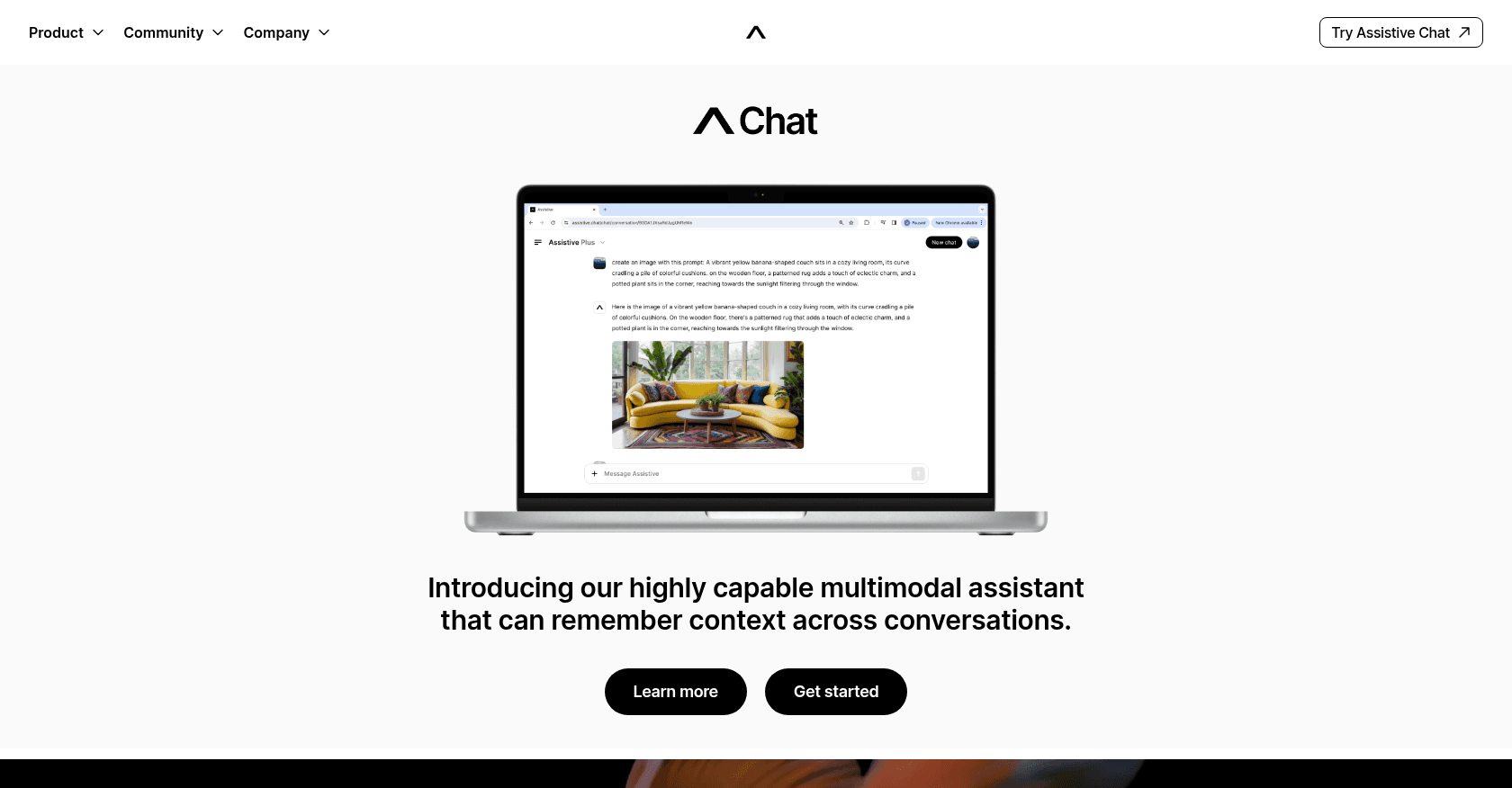
Screenshot of Assistive
Verified

Assistive

4.0 (63)

Assistive Chat is a versatile AI-powered tool that helps users with tasks ranging from text creation and image generation to video creation and data analysis. It remembers conversation contexts and supports multimedia inputs, making it a powerful companion for both personal and professional use.

Content GeneratorText to ImagePhoto & Image GeneratorText to VideoResearch ToolAnalytics AssistantChatbot
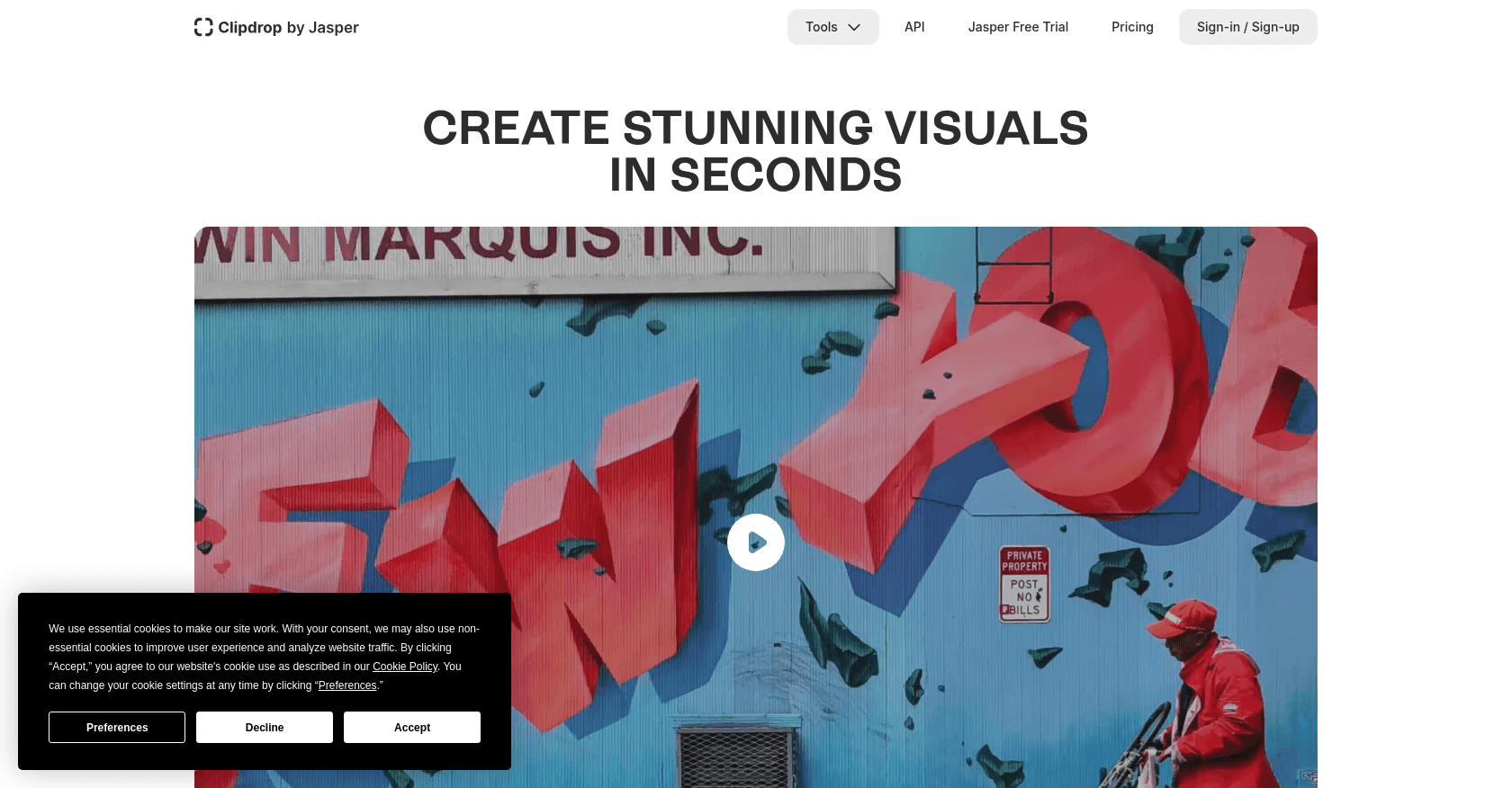
Screenshot of ClipDrop
Verified

ClipDrop

4.2 (220)

ClipDrop is an AI-powered image editing platform that allows users to create, enhance, and transform images with a suite of tools including background removal, image upscaling, generative fill, and more. It supports professional-grade editing features for photographers, designers, and creatives to produce high-quality visuals quickly.

Photo & Image EditorBackground RemoverImage EnhancerPhoto & Image GeneratorDesign GeneratorArt GeneratorGraphic Design

Comparison table

CriterionAssistiveClipDrop
Average rating4.04.2
Number of reviews63220
Free planYesYes
PlansFree Plan, Plus subscription - $18.99/monthFree Plan, Pro Plan - $9.99/month
CategoriesContent Generator, Text to Image, Photo & Image Generator, Text to Video, Research Tool, Analytics Assistant, ChatbotPhoto & Image Editor, Background Remover, Image Enhancer, Photo & Image Generator, Design Generator, Art Generator, Graphic Design
Last updatedSeptember 27, 2024October 1, 2024

See all tools in these categories: Photo & Image Generator

Our verdict

Assistive or ClipDrop?

With an average rating of 4.2/5 (220 reviews), ClipDrop comes out ahead of Assistive (4.0/5, 63 reviews) with our community.

Budget-wise, both tools offer a free plan: you can try them before committing to a paid tier.

Positioning-wise, Assistive stands out in Content Generator, Text to Image, Text to Video, Research Tool, Analytics Assistant and Chatbot, while ClipDrop focuses on Photo & Image Editor, Background Remover, Image Enhancer, Design Generator, Art Generator and Graphic Design.

Features head to head

Assistive

  • Multimodal Interaction: Supports text, images, video, and audio inputs.
  • Contextual Memory: Remembers past interactions and maintains conversation flow.
  • Text-to-Image and Video Creation: Converts user prompts into images or short videos.
  • Data Analysis: Provides insights by analyzing input data.
  • Real-time Knowledge Access: Can browse the internet and access the latest information.
  • Companion for Daily Tasks: Can help with both personal and work-related activities.

ClipDrop

  • Background removal with high accuracy
  • Image upscaling (2x to 16x)
  • Generative fill to remove or replace objects
  • Instant text-to-image generation
  • Image enhancement with noise reduction
  • Sketch-to-image conversion
  • Real-time editing and object removal

Pricing compared

Assistive

Free Plan

  • Basic Access

Plus subscription - $18.99/month

  • 10,000 credits
  • Exclusive early access to new features
  • Features on official Assistive channels
  • Opportunities to earn money sharing your creations

ClipDrop

Free Plan

  • Background removal (20 images/day)
  • Image upscaling (20 images/day)
  • Generative fill (20 images/day)
  • Watermarked output

Pro Plan - $9.99/month

  • Unlimited access to all tools
  • High-resolution image upscaling (16x)
  • No watermarks
  • Priority processing
  • 1000 images/day for various tools

Prices are indicative and may change — check the official sites for up-to-date pricing.

Frequently asked questions

What is the difference between Assistive and ClipDrop?

Both tools share the Photo & Image Generator space, but Assistive also covers Content Generator, Text to Image, Text to Video, Research Tool, Analytics Assistant and Chatbot, while ClipDrop adds Photo & Image Editor, Background Remover, Image Enhancer, Design Generator, Art Generator and Graphic Design.

Assistive or ClipDrop: which one is rated higher?

ClipDrop earns the better average rating: 4.2/5 (220 reviews), versus 4.0/5 (63 reviews) for Assistive.

Can you use Assistive or ClipDrop for free?

Yes: both Assistive and ClipDrop offer a free plan to get started. Advanced features require their paid tiers.

Other comparisons