Claude
Claude, developed by Anthropic, is an AI assistant designed to help users with a vari...
Gemini
Google's Gemini is an advanced AI model designed for a wide range of tasks, including...

Grok
Grok is a versatile AI chatbot developed by xAI that provides assistance across text ...
Product Information
Description
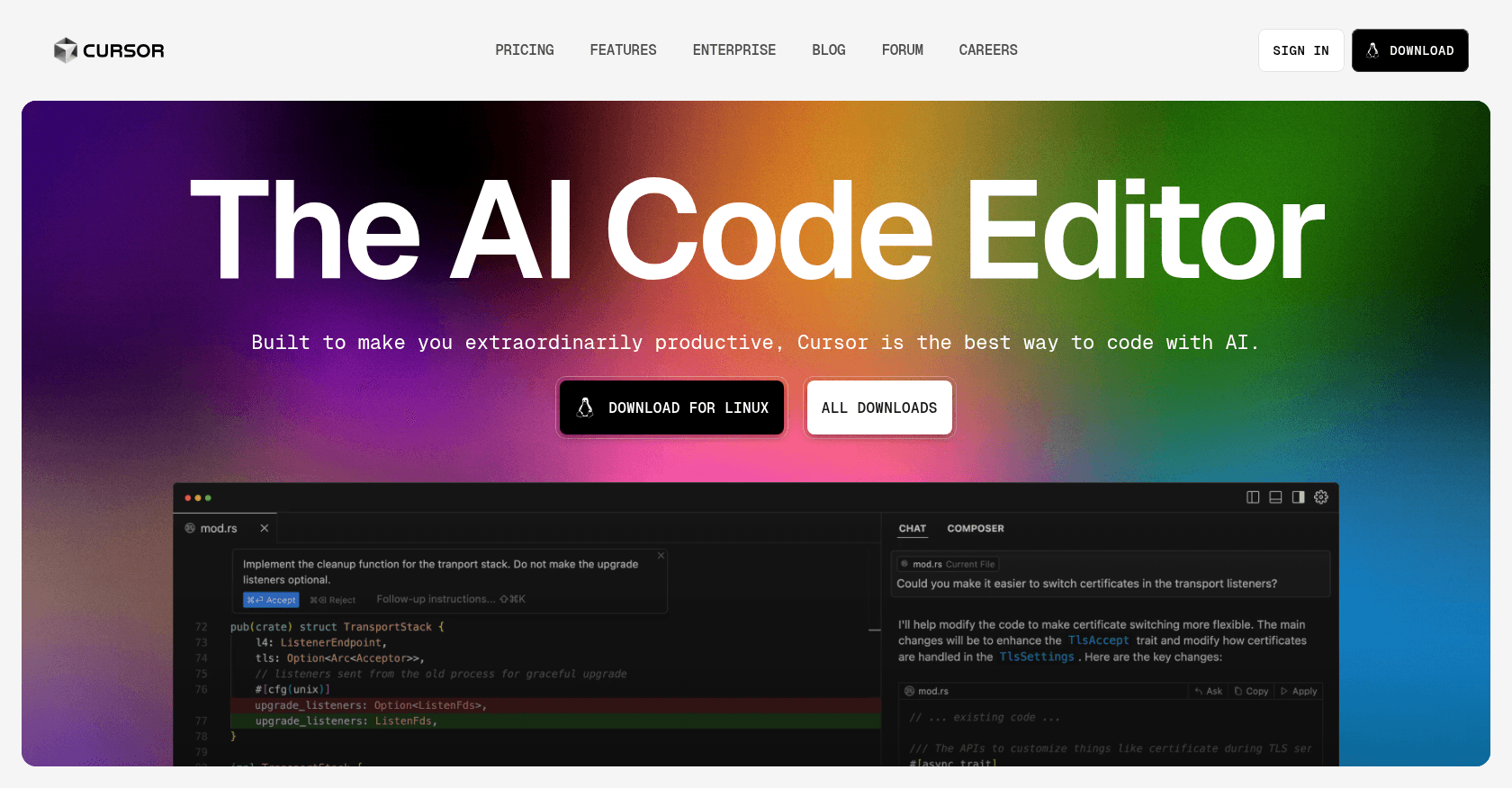
Cursor is an AI-powered code editor built on Visual Studio Code, designed to enhance developer productivity through features like intelligent code completion, natural language commands, and deep codebase understanding.
How to Use
1. Download and install Cursor from the official website. 2. Set up your development environment and configure any necessary API keys. 3. Open your project within Cursor. 4. Use natural language prompts or code snippets to interact with the AI assistant for code generation, refactoring, or explanation.
Core Features
- AI-powered code completion and generation
- Natural language command interface
- Context-aware codebase analysis
- Integrated chat for dynamic interactions
- Support for multiple programming languages
- Privacy Mode with SOC 2 certification
Use Cases
- Accelerating software development with AI-assisted coding
- Refactoring existing codebases efficiently
- Generating documentation and README files
- Debugging and error correction with AI suggestions
- Learning and exploring new codebases through AI explanations